
Product launch
Rendering diagram...Edit Markdown, MDX, JSON, and JSONL files locally on desktop. Fill official PDF forms in your browser and save them to your Fylune cloud account.
Start a document beside the files that already explain the project.
Local, private, offline
Fylune opens the Markdown, MDX, JSON, and JSONL files already inside your folders and edits them locally. No account is required for the core editing loop.
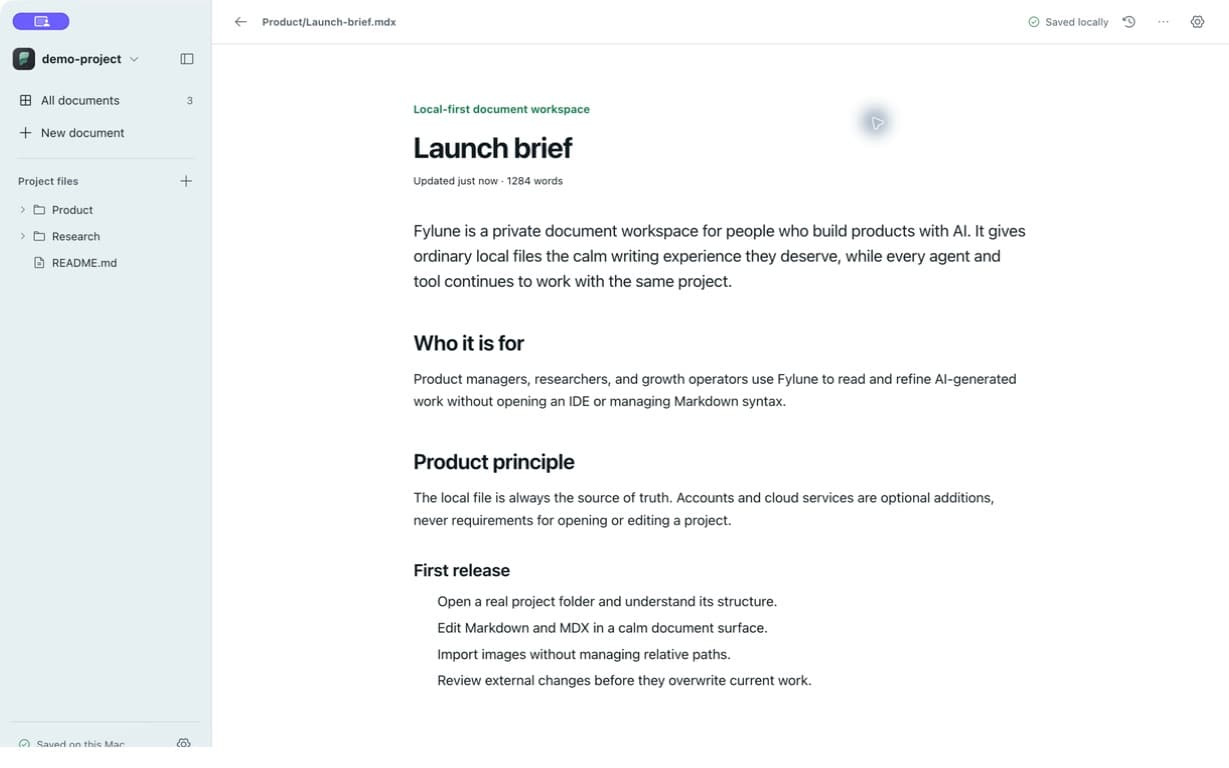
Free core editor
Basic local document editing is completely free: open folders, write, search, organize assets, and preview the files you already have.

../assets/launch-cover.pngAutomatic asset management
Paste an image or add a video. Fylune stores it with the project and writes the relative Markdown path, so local files keep working without URL housekeeping.
Bring in an image, video, or document from the way you already work.
The asset is copied into the project, beside the Markdown that uses it.
Fylune writes and resolves the relative path for you.
Complete Markdown
Render and edit the parts that usually send you back to an IDE: Mermaid flowcharts, mind maps, KaTeX formulas, tables, checklists, media, and richer MDX blocks.
Edit Markdown directly. Diagrams render with Mermaid and formulas with KaTeX. MDX and JavaScript never execute in this preview.
Rendering diagram...Edit the source yourself. This is the shared Fylune editor, not a screenshot.
“Real files. A full editor. Nothing standing between you and your own work.”
The Fylune product principle
macOS Alpha