
Make your PDF look scanned
Create a scanned-style copy of every page. Preview the effect, then save a new PDF.
One PDF · up to 25 MB and 100 pages
Scan effects run in your browser. The web editor saves your original and result to your account, including a guest account.
Original PDFScanned PDF
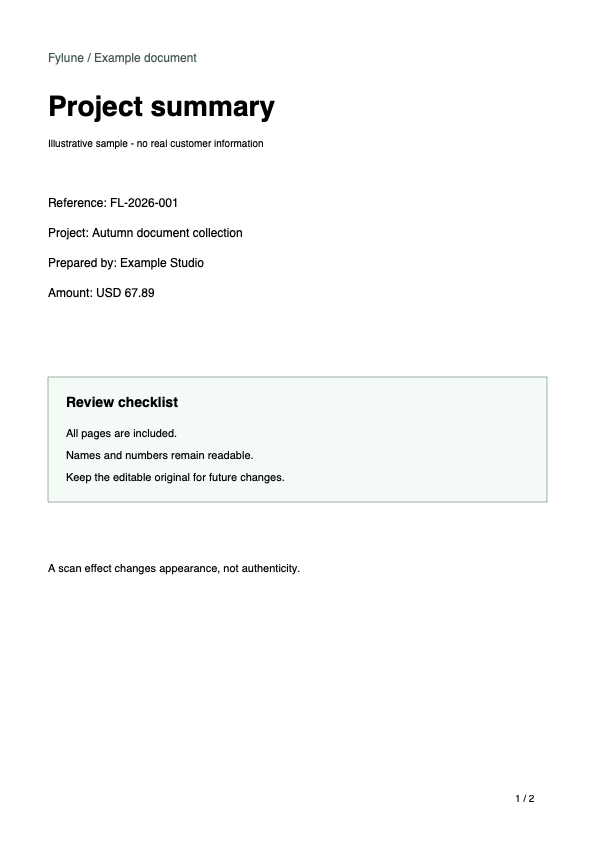
From PDF to scanned copy
- Choose your PDF
- Preview color and scan settings
- Create a new copy and download
The result is an image-based PDF. Text and form fields will no longer be editable.
Questions about scanned PDFs
Does this change my original?
No. Your original stays available and the scanned copy is saved as a separate document.
Is conversion free?
Browser effects use no AI credits. Free exports include a Fylune watermark; paid clean-download options remain available. AI costs 10 credits per page.
Can I edit the scanned text?
The result contains images, not editable text or form fields. Keep the original for future edits. This does not preserve digital certificate signatures.