
Make your PDF look scanned
Create a scanned-style copy of every page. Preview the effect, then save a new PDF.
One PDF · up to 100 pages
Scan effects run in your browser. The web editor saves your original and result to your account, including a guest account.
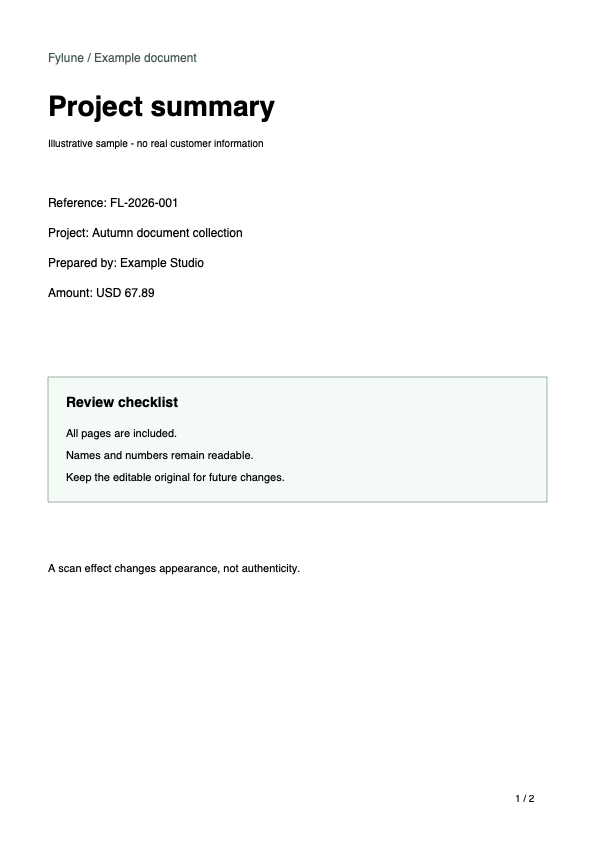
From PDF to scanned copy
- Choose your PDF
- Preview color and scan settings
- Create a new copy and download
The result is an image-based PDF. Text and form fields will no longer be editable.
How to make a PDF look scanned and keep it readable
- Color / Grayscale / Black & white
- Keep color for diagrams and colored marks. Grayscale keeps shades without color. Black and white uses a threshold: check faint text and thin lines before converting every page.
- Tilt · Noise · Blur
- Start with Light scan. Keep tilt subtle, then adjust grain, softness, brightness and contrast while checking small text. A darker edge or more noise does not make a document more valid.
- Resolution · Compression
- Higher resolution preserves more detail but increases processing time and file size. Compare small text in the preview; reduce resolution or use stronger compression if the output is too large.
Prepare your document before scanning
Finish filling and signing before conversion. Browser effects create page images without AI credits; the web editor saves the original and new copy to your account. Keep the editable original. Use AI only if you can review every page for changed text or numbers.
Questions about scanned PDFs
Does this change my original?
No. Your original stays available and the scanned copy is saved as a separate document.
Is conversion free?
Browser effects use no AI credits. Free exports include a Fylune watermark; paid clean-download options remain available. AI costs 10 credits per page.
Can I edit the scanned text?
The result contains images, not editable text or form fields. Keep the original for future edits. This does not preserve digital certificate signatures.