
FYLUNE / PDF
Combine PDF
Bring multiple PDFs together in the order you need. Preview your combined document in the editor, then download it.
Drop PDFs here, or choose files
The combined PDF is saved to your web account, including a guest account. Your original files stay unchanged.
One document, ready to review
- Choose your PDFs
- Set the order
- Preview and download
Filled form values remain visible, but form fields become fixed content in the combined copy. Review every page before downloading.
The combined PDF can contain up to 100 pages. Remove a file or split longer documents first.
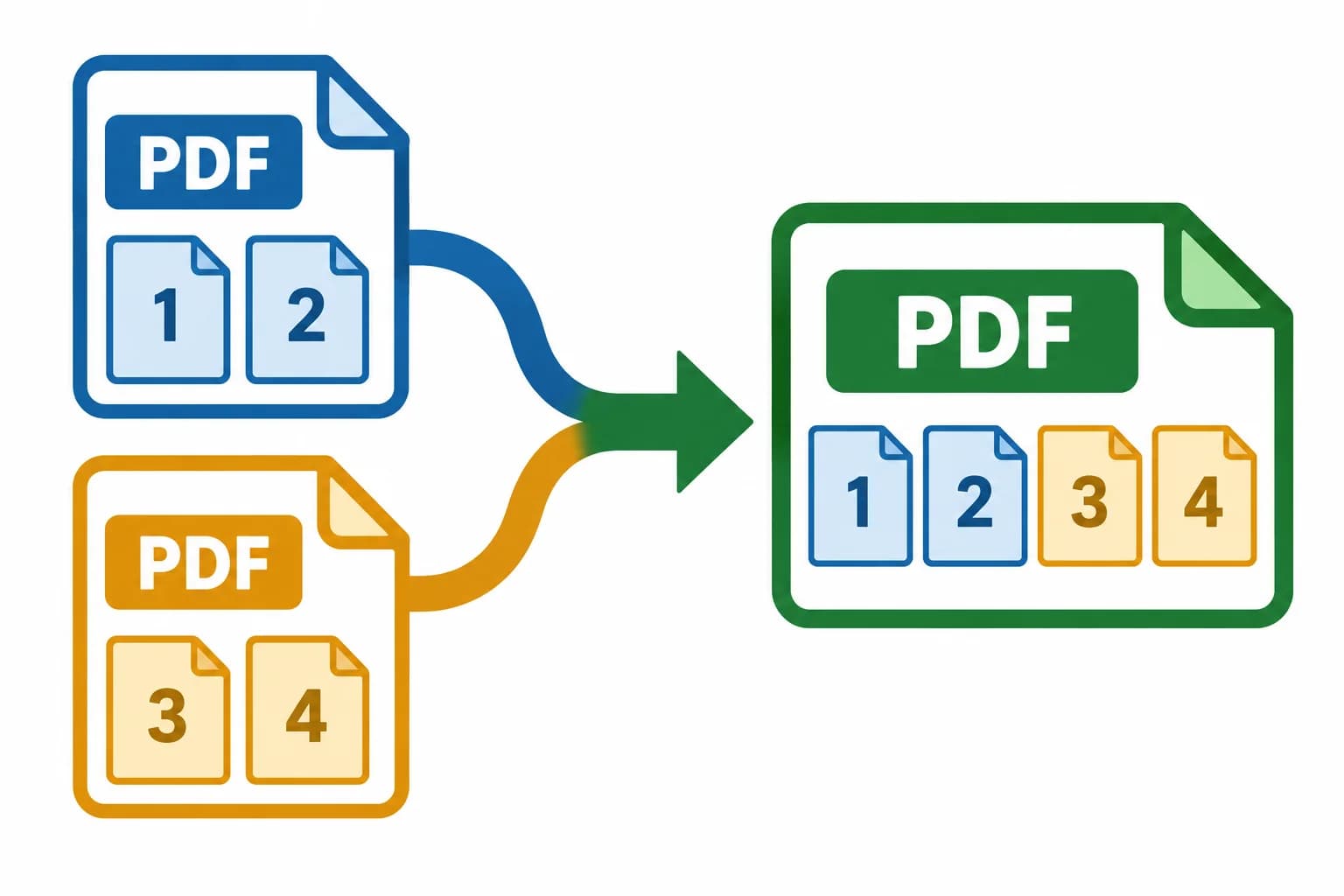
Documents that belong together
One PDF for the whole story.
A document rarely arrives as one perfect file. A form may have supporting pages, a report may have a separate appendix, and a receipt may live in another download. Combine related PDFs into a single document that is easier to review from beginning to end.
- Forms and supporting pages
- Bring a completed form and its supporting documents together. Check the recipient’s instructions before choosing what to include and which file should come first.
- Reports and appendices
- Keep the main report next to its reference material. Separate charts or landscape pages can join the same PDF without being forced into a single page shape.
- Invoices and receipts
- Gather related records for a project or expense review. Download one combined copy while keeping the original files available for your records.
Choose the files for one task, put them in a useful order, and give the reader one place to start.
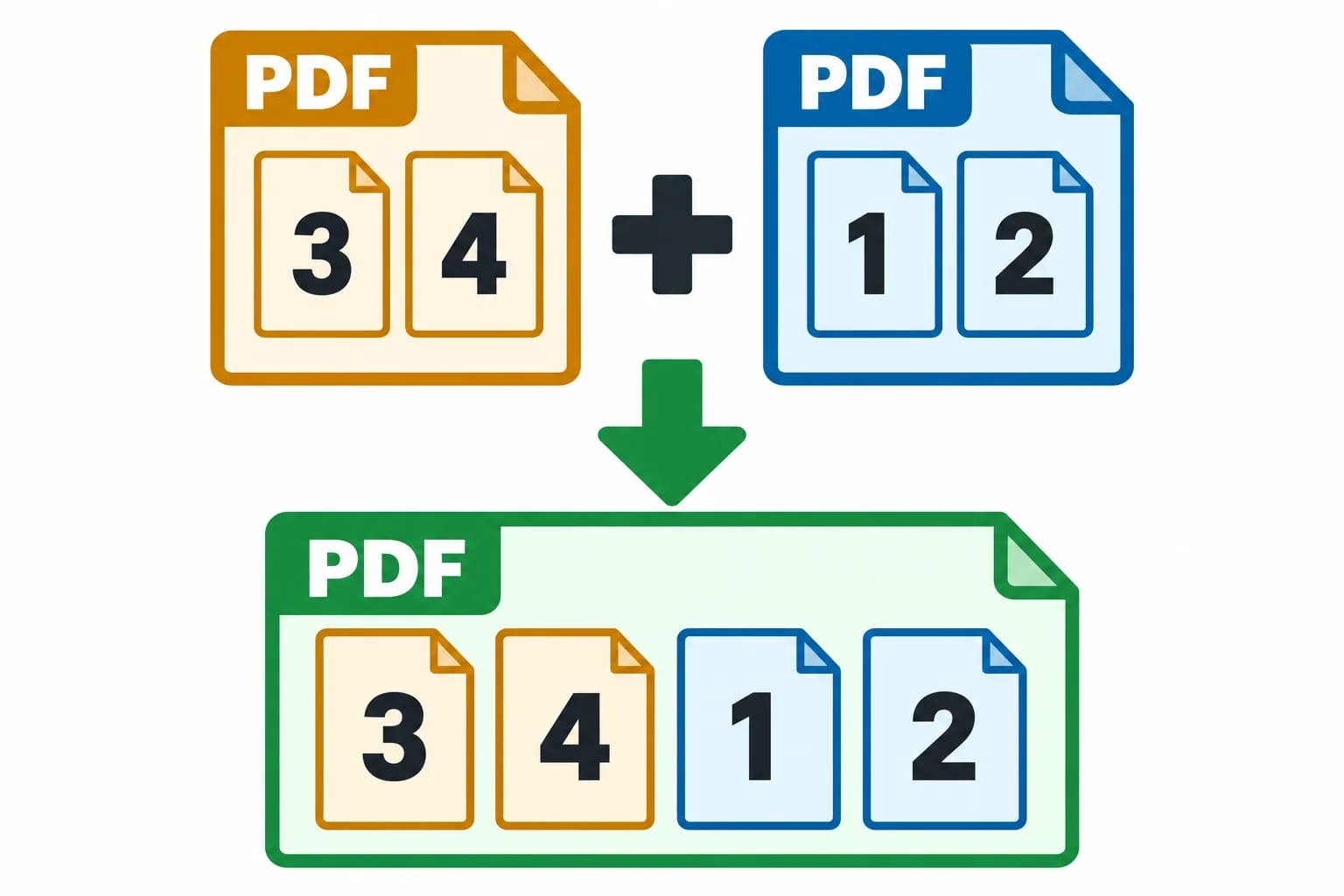
Your files. Your sequence.
Put every document in its place.
The order of the upload list becomes the order of your combined PDF. Start with the document that sets the context, then place the supporting material behind it. You can adjust the selection before creating the result.
- Arrange the files before combining
- Use the up and down controls to move a PDF earlier or later in the list. Pages inside each source PDF stay in their original order. Remove any file you do not want to include.
- Keep the original page geometry
- Portrait and landscape pages retain their sizes and orientation. Combining copies the PDF pages rather than turning each page into a scanned image.
- Finish form fields in the original
- Filled form values remain visible, but the fields become fixed content in the combined copy. Complete or correct those fields in the original PDF before combining.
Combining creates a separate document. The files you selected are not overwritten.
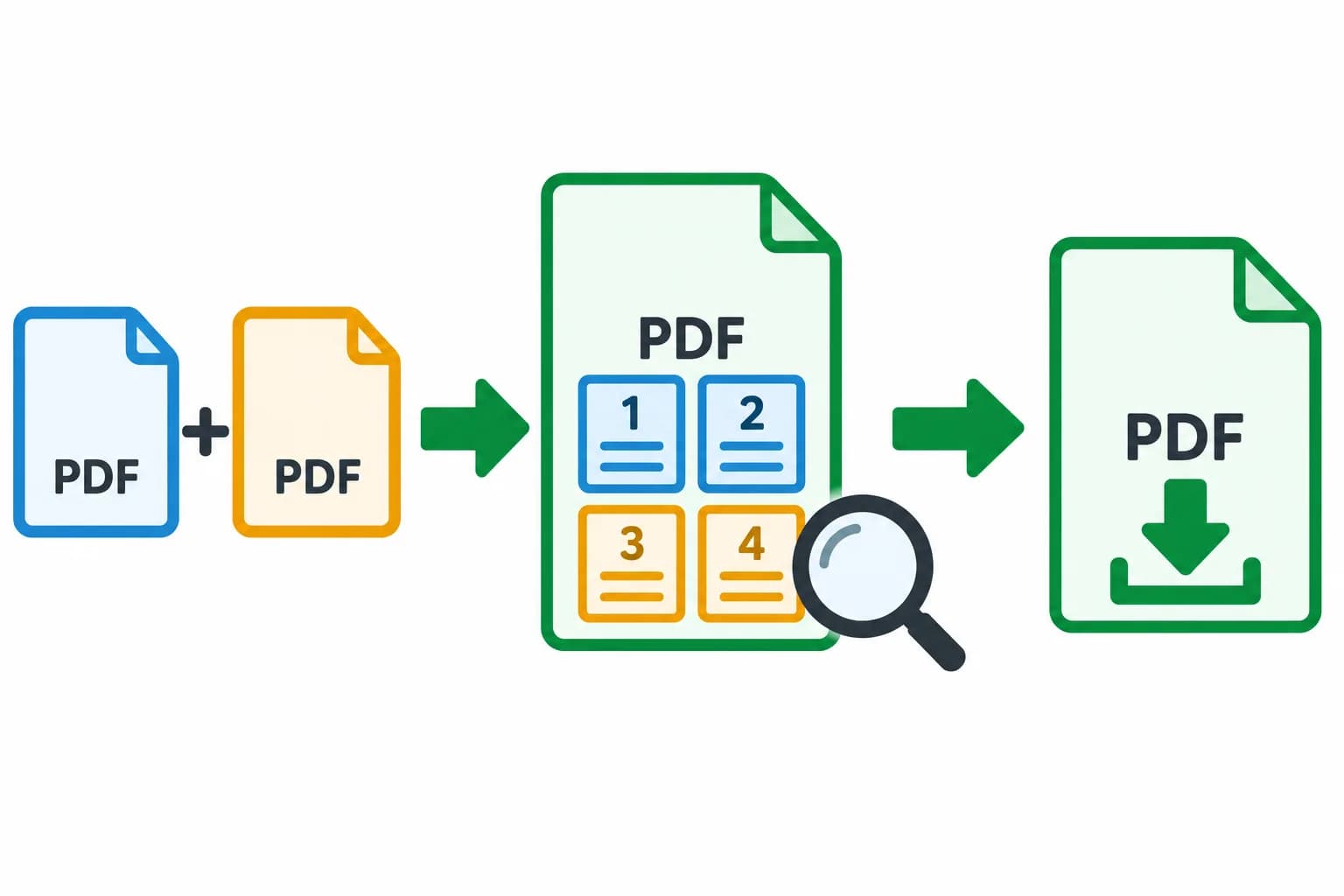
The next step is already open
Combine. Review. Make it ready.
Your combined PDF opens in Fylune’s document editor. You can look through the actual result before downloading it, so a successful upload is the start of your final check, not the end of the task.
- Review the complete document
- Move through the pages and zoom in on details. Check that each section is present, the first page is the one you intended, and any filled values are readable.
- Add the finishing details
- Use the editor’s text annotation tools where a note is needed. For supported signing workflows, add your own visible signature after reviewing the document.
- Download from the editor
- Use Download when you are happy with the result. Free exports include a Fylune watermark; the existing paid options are available for a clean copy.
The combined document is saved to your Web account, including a guest account, so you can keep working in the same editor.
Questions about combining PDFs
Can I combine PDFs for free?
Yes. You can combine PDFs and preview the result without a subscription.
Where do I download the combined PDF?
After combining, Fylune opens the result in the shared editor. Review the pages and use Download. Free exports include a watermark; existing paid clean-download options apply.
Will the combined file keep the original layout?
Pages keep their original size, orientation, and order. Filled fields are flattened into visible content. Password-protected, XFA, and digitally signed files are not supported. The editor supports up to 100 pages.