
FYLUNE / PDF
Free PDF editor online
Open a PDF in your browser, fill in the details and review your work in one place. Fylune gives you free PDF editing without installing an app or registering first.
Free editing. Free downloads include a Fylune watermark.
One PDF · up to 100 pages
Your PDF is saved to your Web account, including a guest account, so you can reopen it and continue editing.
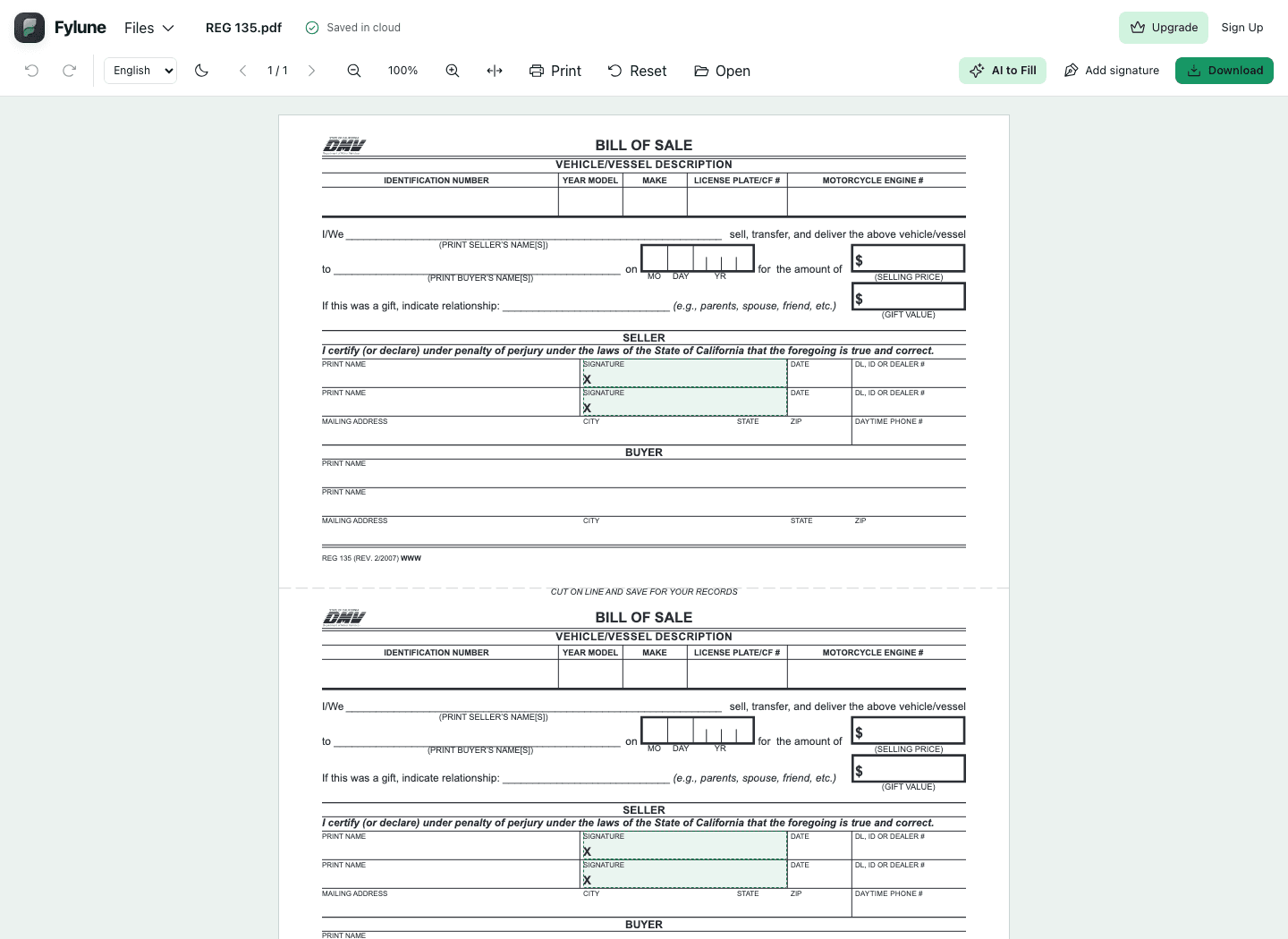
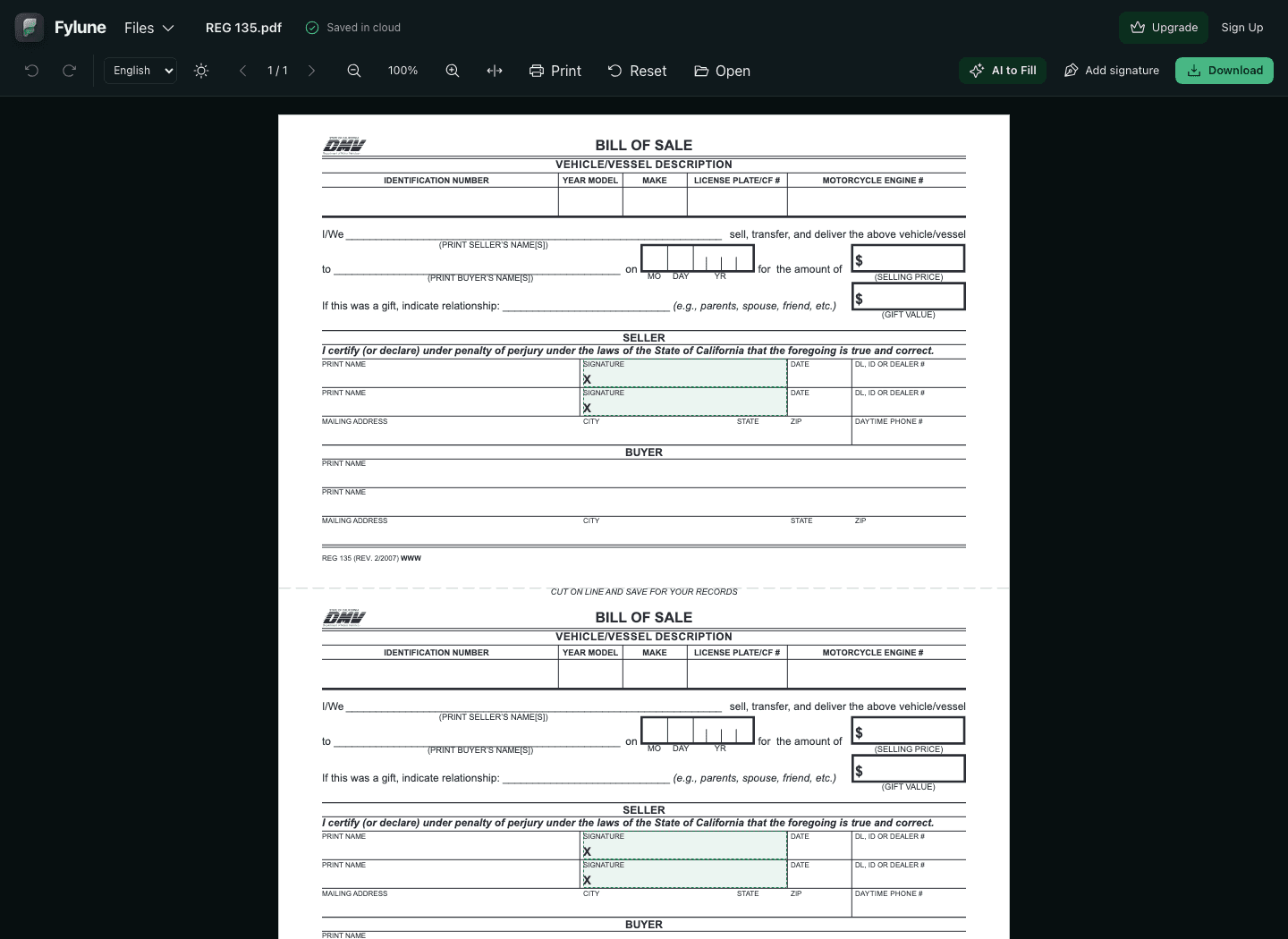
How to edit a PDF online for free
Choose your PDF
Upload a PDF from your device using the button above, or drop it onto the upload area. The document opens in the same Fylune editor used by our PDF tools and form templates.
Fill, annotate and review
Click supported form fields to enter your information. Use Add text for a note on a static page, then zoom in and move through the document to check the result.
Download your copy
Choose Download in the editor. Select the free watermarked option, or choose an available paid option for a clean copy. Open the downloaded PDF to check it before sharing.
PDF / 01
The edits that finish everyday paperwork
Keep the PDF layout while adding the information a reader needs. Choose the tool that matches the document in front of you.
- Fill existing form fields
- Enter text and use supported checkboxes in fillable PDFs. Work directly beside the original labels, so you can review each answer in context before downloading.
- Add text to a static page
- Place a text annotation where an explanation or missing detail belongs. Adding text creates new content on the page; it does not rewrite the PDF’s existing paragraphs.
- Review and add your signature
- Check the pages, then add your own visible signature in supported signing workflows. A visible signature is not a digital certificate or a guarantee that a recipient will accept it.
PDF / 02
Free to edit, with a clear download choice
You can start editing without a subscription or registration. Free PDF downloads include a Fylune watermark. If your recipient needs a clean copy, review the paid download options in the editor before exporting.
Premium membership and AI assistance have their own paid options. You can fill fields and add text manually without using AI. Uploads use the same membership limits as the other PDF tools; if a file exceeds your allowance, the editor explains the limit and offers the applicable upgrade.
See download and membership options- Applications and fillable forms
- Complete supported fields using your own information. Keep the recipient’s instructions nearby and review dates, names and checkboxes before you export.
- Notes on reports and handouts
- Add a short explanation to an existing PDF without rebuilding its layout. Review your annotation at a readable zoom level to check that it does not cover important content.
- Government form templates
- If you need a form rather than an empty page, browse Fylune’s published templates. Open the selected form directly in the editor, fill it, and check its instructions before submitting it yourself.
Free PDF editor questions
Is this PDF editor really free?
Core PDF editing is free, including supported form filling and text annotations. You can download a free copy with a Fylune watermark. Clean downloads, Premium membership and AI credits have paid options.
Do I need an account or an app?
You can start in your browser without installing an app or registering. Fylune creates a guest account and automatically saves your document to that account in the cloud. Registration lets you keep using the account across devices.
Can I change existing text in a PDF?
You can edit supported form fields and add new text annotations. This workflow does not replace existing paragraph text or reflow the original PDF layout.
Can I edit a scanned PDF?
You can open a supported scanned PDF and add text annotations over its pages. Scanned text does not automatically become editable text, and this tool does not promise OCR conversion.
Are my files kept only on my device?
No. The Web editor stores account-owned cloud snapshots, including for guests; those snapshots are server-readable. Desktop local-file editing has a separate storage policy.
Can I combine PDFs before editing?
Yes. Use Combine PDF to arrange your files and create one document. The result opens in the shared editor for review and download. Filled form values stay visible, but form fields become fixed content in the combined copy.
Your next PDF is ready to work on.
Choose a file, make your edits and review the result before downloading.
Choose a PDF to edit