

A California Judicial Council form gives you a fixed amount of room. When an answer needs more space than the printed field offers, the courts publish a one-page continuation sheet, MC-025, that carries the overflow onto its own sheet of paper. The example below shows the whole move on one real item: read the parent form's own instruction, copy the case identifiers, write the attachment number that the parent names, keep the page count honest, and understand the penalty-of-perjury note printed on the sheet.
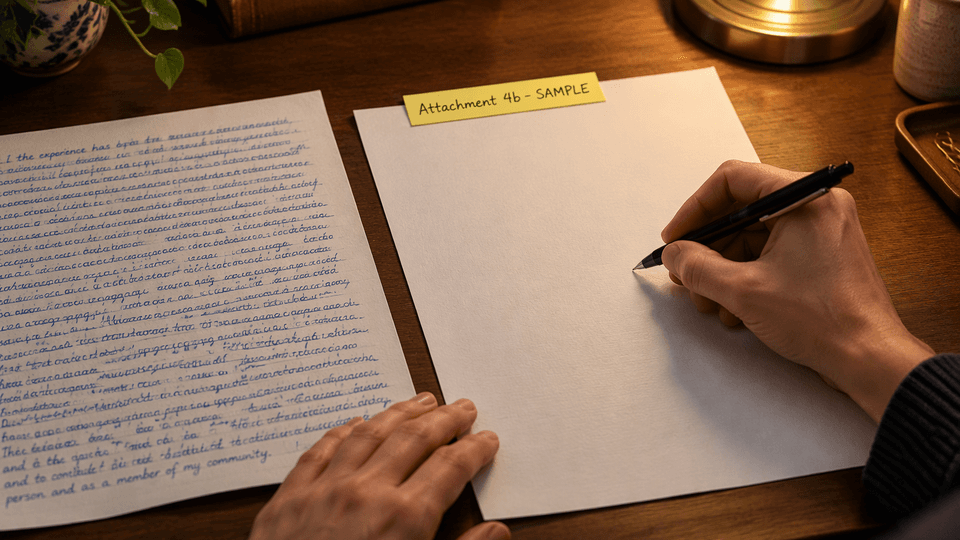
Illustrative scene with sample data. The parties, case number, and handwriting shown here are fictional.
What MC-025 is
MC-025 is titled "Attachment to Judicial Council Form" and is approved for optional use. The sheet itself states that it "may be used with any Judicial Council form," and its printed instruction says to "[a]dd pages as required" when one sheet is not enough. It is an attachment, not a standalone filing: a completed MC-025 travels with the parent form it continues.
The sheet is one page and has exactly these entry areas, all verified against the current official PDF (revision July 1, 2009, available from the California Courts MC-025 page):
- Short Title - the abbreviated case title used on the parent form
- Case Number - the same number that appears on the parent form
- Attachment (Number) - the label that connects this sheet to a specific item on the parent form
- The body area - the continuation text itself
- Page and of - two small fields for the sheet's page position
That is all. MC-025 has no county, court, or branch fields, no party-name boxes, and no signature line. The sheet identifies itself through the case identifiers and the attachment number, so the parent form and the attachment must agree.
When you need extra space
Not every form wants its overflow on a generic attachment. Before reaching for MC-025, read the parent form and its instructions. Three things decide the route:
- Does the item print its own continuation instruction? Many Judicial Council forms do. The instruction names the label to use, and that label is what goes in the Attachment (Number) field.
- Does the parent ask for a dedicated attachment form instead? Some tasks call for a specific document, such as a declaration, and MC-025 does not replace it.
- Does your court add local requirements? Local rules can affect labeling and page numbering, so check them when your court publishes guidance on attachments.
The MC-025 instructions summarized on the official form page describe the same principle: the sheet supplies extra room, and the parent form decides when and how it is used.
A worked example: continuing CM-110 item 4b
The example below is fictional. The parties, case number, and amounts are sample data, invented to show the mechanics; they are not a real filing or a template to copy.
Step 1: Start from the parent item
The parent form here is the Case Management Statement, CM-110 (revision January 1, 2024), used in civil case management. Its item 4b, on page 2, asks for "a brief statement of the case, including any damages," covering the causes of action and, where personal injury or equitable relief is involved, specific damage amounts. Directly beside that field, the form prints its own rule:
"(If more space is needed, check this box and attach a page designated as Attachment 4b.)"
So in a fictional civil contract dispute, if the case statement does not fit, you would select that checkbox and continue the answer on a sheet designated Attachment 4b. The label is not your invention or a universal convention; it comes from the parent item. CM-110 does the same elsewhere: item 8g refers to "Attachment 8" for additional trial representation, and item 13a refers to "Attachment 13a" for additional related cases. Each item names its own attachment label, which is why you read the parent form rather than memorizing a numbering rule.
Step 2: Copy the case identifiers
Enter the same Short Title and Case Number that appear on the CM-110 caption. In this fictional example:
- Short Title: Ortega v. Pinegrove Fabrications, Inc.
- Case Number: 25CV-00418 (sample data)
Then enter 4b in the Attachment (Number) field, because CM-110 item 4b designates the continuation as "Attachment 4b." The value comes from the parent item, not from the sheet itself. Copying these identifiers from the same case papers is the step that lets a court clerk match the sheet to the right filing.
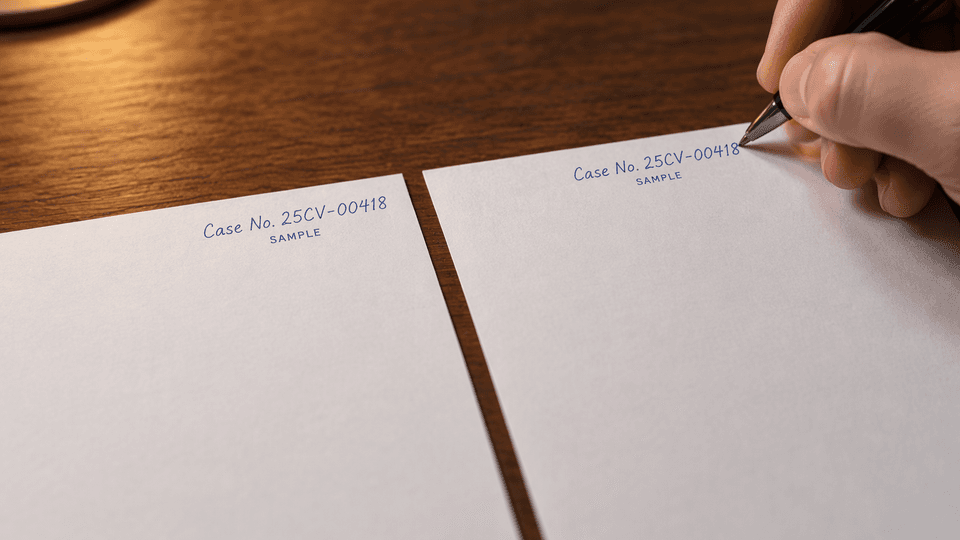
Illustrative close-up with sample data. Both sheets carry the same fictional case number.
Step 3: Write the continuation in the body area
This is the practical core of how to fill out Form MC-025: the body area holds the text that did not fit in item 4b. For the fictional example, the continuation might read:
"This case is a contract dispute arising from the fabrication and installation of custom steel railings for a residential renovation. The complaint alleges breach of contract and common counts for work performed. Plaintiff Ortega seeks damages of $28,500, consisting of the unpaid contract balance of $21,000 and repair costs of $7,500 for welds that failed inspection. Defendant Pinegrove Fabrications, Inc. disputes the repair costs and asserts a setoff for materials it supplied. (SAMPLE TEXT)"
Keep the continuation tied to the item you are continuing, so the reader can connect it to item 4b without guesswork. The wording above is fictional and shows the kind of content item 4b asks for; your own case facts, not this sample, belong on your sheet.
Step 4: Keep page numbering consistent
MC-025 prints a "Page ___ of ___" pair on the sheet. Fill those two fields consistently with your filing instructions and the actual assembled packet; the blank sheet itself does not impose a universal numbering scheme. CM-110 has its own counting requirement: item 20, on page 5, asks for the "[t]otal number of pages attached (if any)." If your attachment set is one MC-025 sheet, item 20 records one page. If you add a second continuation sheet, update the count so the parent form and the attachments tell the same story.
Step 5: Understand the printed penalty-of-perjury note
MC-025 carries a conditional printed note:
"(If the item that this Attachment concerns is made under penalty of perjury, all statements in this Attachment are made under penalty of perjury.)"
Two facts follow from that wording. First, the sheet has no signature field and no oath of its own; nothing on MC-025 is signed. Second, the note is conditional: the attachment only inherits sworn status when the item it continues is itself made under penalty of perjury. CM-110's signature block asks for the signature of a party or attorney, and the form contains no penalty-of-perjury declaration, so a statement continued under item 4b in this example is not sworn. Do not describe this attachment as testimony merely because an MC-025 is attached; follow CM-110's actual signature requirements and check the parent item's status whenever you attach to a different form.
Multiple items or multiple pages
If several items on the same parent form need extra space, or one item needs several sheets, follow the chosen parent form's instructions and any local court requirements. Some forms permit designating multiple attachments; the safe practice is to give each continuation a label the parent form recognizes and to confirm the total page count. Do not assume that one sheet per item, or several items per sheet, is universally allowed; the parent form and your court decide that.
MC-025 vs MC-030 vs MC-031
Three Judicial Council forms carry extra text, and they are not interchangeable. The comparison below uses the official captions and purposes from the California Courts pages and PDFs for each form.
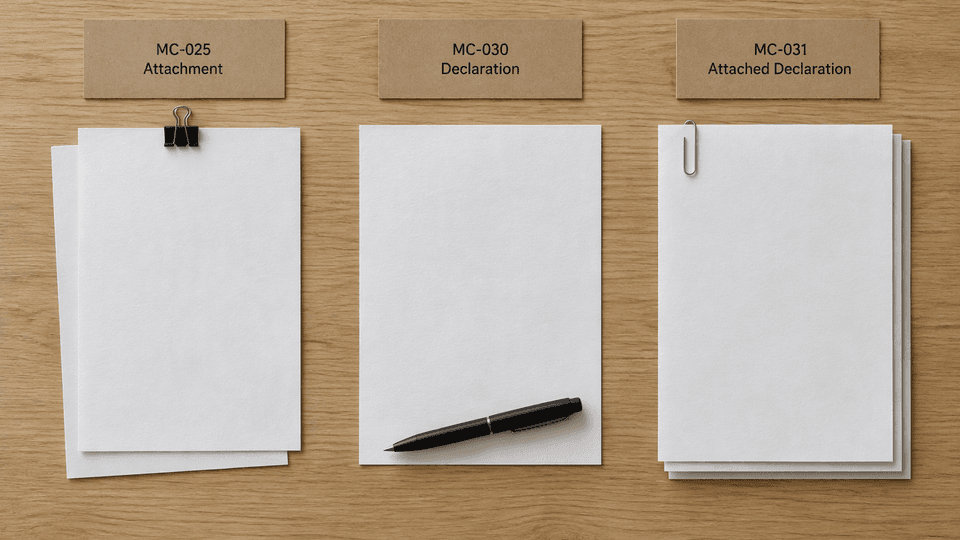
Illustrative staging with sample labels; the paperwork is generic and does not reproduce any official form layout.
| Form | Official caption | Role | Signature and oath |
|---|---|---|---|
| MC-025 | Attachment to Judicial Council Form (Rev. July 1, 2009) | Continuation space for any Judicial Council form item | None on the sheet; sworn status is inherited from the parent item when applicable |
| MC-030 | Declaration (Rev. January 1, 2006) | A self-contained factual statement to the court | Declarant signs; the form prints its own penalty-of-perjury declaration |
| MC-031 | Attached Declaration (Rev. July 1, 2005) | A signed factual declaration that must be attached to another form or court paper | Declarant signs; the form prints its own penalty-of-perjury declaration |
The distinction that matters in practice: MC-030 and MC-031 are declarations whose text the declarant swears to and signs. MC-025 is a continuation sheet whose statements are only sworn when the parent item is sworn. If the task is a declaration, use the declaration form the filing calls for. See the MC-030 page and the MC-031 page on the California Courts site, and choose the form using the relevant court's instructions.
Fill and export MC-025 with Fylune
Once the parent form has confirmed that a continuation is permitted, the Fylune MC-025 tool opens the official one-page PDF and walks you through the five entry areas in order: the parent form and attachment item, the case details, the continuation text, and the page fields. Fylune's assistant, Faye, asks about those inputs and fills the existing PDF fields with your answers; you can correct or undo each fill before exporting. Manual filling does not require an account, and downloads produced on the free tier carry a watermark; the official blank form is always free directly from California Courts.
Fylune is not affiliated with the California courts or the Judicial Council, and it does not file forms for you. After exporting, attach the completed sheet to the correct parent form under your filing instructions, and confirm your court's accepted submission method.
FAQ
Does MC-025 have its own signature field?
No. The official sheet has no signature line and no oath of its own. Its printed note extends a penalty-of-perjury status to the attachment only when the item it continues is made under penalty of perjury. Check the parent form's signature requirements; typing the continuation text does not sign anything.
Which case identifiers must match?
The Short Title and Case Number on MC-025 must match the parent form's caption exactly, and the Attachment (Number) must match the label the parent item prints. Because MC-025 has no county, court, or branch fields, those identifiers are what connect the sheet to the right case and item.
What do my parent form's instructions say about extra pages or multiple items?
Read them directly. Some forms, like CM-110, print a specific attachment label for each item that can continue (for example, "Attachment 4b" for item 4b) and ask for the total number of attached pages elsewhere on the form. Other forms and local courts set different rules. The blank MC-025 does not define a universal numbering scheme, so the parent form's instructions control.
Sources
- MC-025, Attachment to Judicial Council Form, Rev. July 1, 2009 (PDF)
- CM-110, Case Management Statement, Rev. January 1, 2024 (PDF)
- California Courts Self Help Guide: MC-025
- California Courts Self Help Guide: MC-030
- California Courts Self Help Guide: MC-031
- Fylune MC-025 form tool
This article explains form mechanics only and is not legal advice for any specific case. The worked example is fictional, and Fylune is not affiliated with the California courts and does not file forms for users. For your own filing, follow the current official form, its instructions, and your court's requirements.
Ready to prepare the sheet? Fill MC-025 with Fylune and attach the exported PDF to the parent form your filing uses.