
Receipts for an expense report
Combine receipt photos into one PDF in purchase order. Review amounts and dates before attaching the file to your reimbursement request.
Combine JPG and PNG images into one PDF online. Reorder photos, choose A4 or Letter and page orientation, then preview and download your PDF in the editor.
JPG · JPEG · PNG
Drop JPG or PNG images here
Mix JPG photos and PNG screenshots in one selection. Each image becomes one PDF page.
Use the arrows to set the reading order, then choose A4 or Letter in portrait or landscape.
Create the PDF, check each page in the editor and use Download when you are ready.
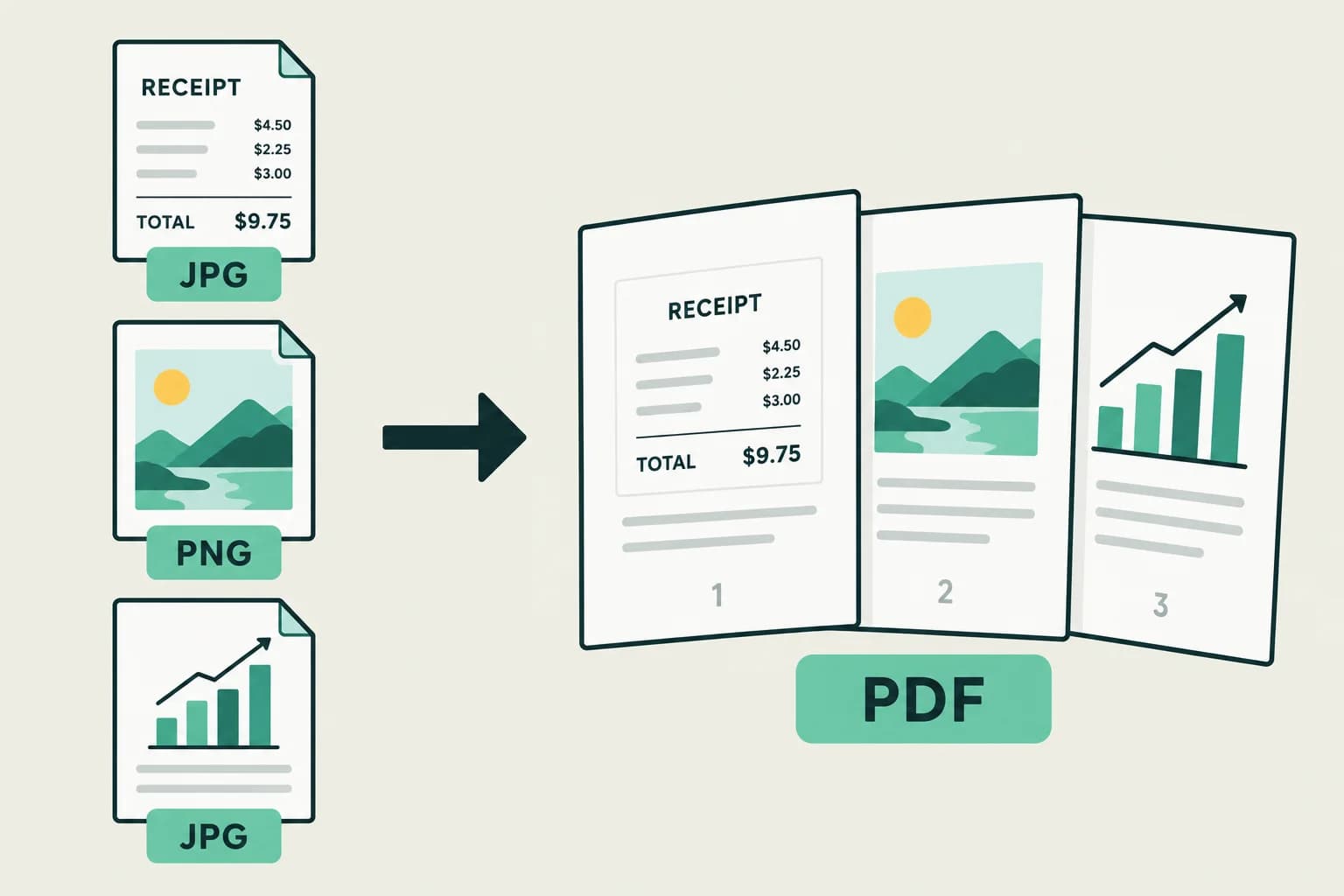
Combine photos into one PDF instead of sending a folder of separate files. Put the overview first and supporting images next. The selected order becomes the page order in your finished document.
Choose your imagesChoose A4 for everyday documents or US Letter for common US paperwork. Portrait suits receipts and scanned pages; landscape gives wide screenshots more room. Every image is centered and fitted proportionally inside a small white margin.
Phone photos use their stored orientation. Transparent PNG areas become white. Large images may be resized for a manageable PDF; this is not a lossless archive or an OCR conversion.
Combine receipt photos into one PDF in purchase order. Review amounts and dates before attaching the file to your reimbursement request.
Gather JPG scans and PNG screenshots into a single attachment when the recipient accepts one PDF. Check their file and submission requirements before sending.
Arrange screenshots from overview to detail. A single PDF keeps the sequence intact for colleagues reviewing a report or a set of instructions.
Yes. Upload JPG, JPEG and PNG files together and arrange them in any order. Each image becomes a separate page. Animated images and other formats are not supported.
You can create a PDF and preview it without a subscription or registration.
After conversion, Fylune opens your PDF in the shared editor. Review its pages, then choose Download. The saved document can be reopened from your web account.
The image remains an image on the PDF page. This tool does not recognize or rewrite text inside photos. You can review the PDF and use supported editor annotations before downloading.
No. Images are scaled proportionally to fit the selected paper and orientation with a small margin. Large images may be resized, and transparent areas become white.