
Review a proposal or quote
Ask which delivery date to use or whether a line item includes shipping. Pin the question beside the relevant row.
Upload a PDF, pin a comment to a page, and write your feedback in the Comments panel. Download a PDF that keeps your comments attached to the page.
Drop your PDF here
One PDF · up to 100 pages
The sample proposal lists two delivery dates. A marker beside the timeline points the author to the detail in question, and the Comments panel holds the full note.
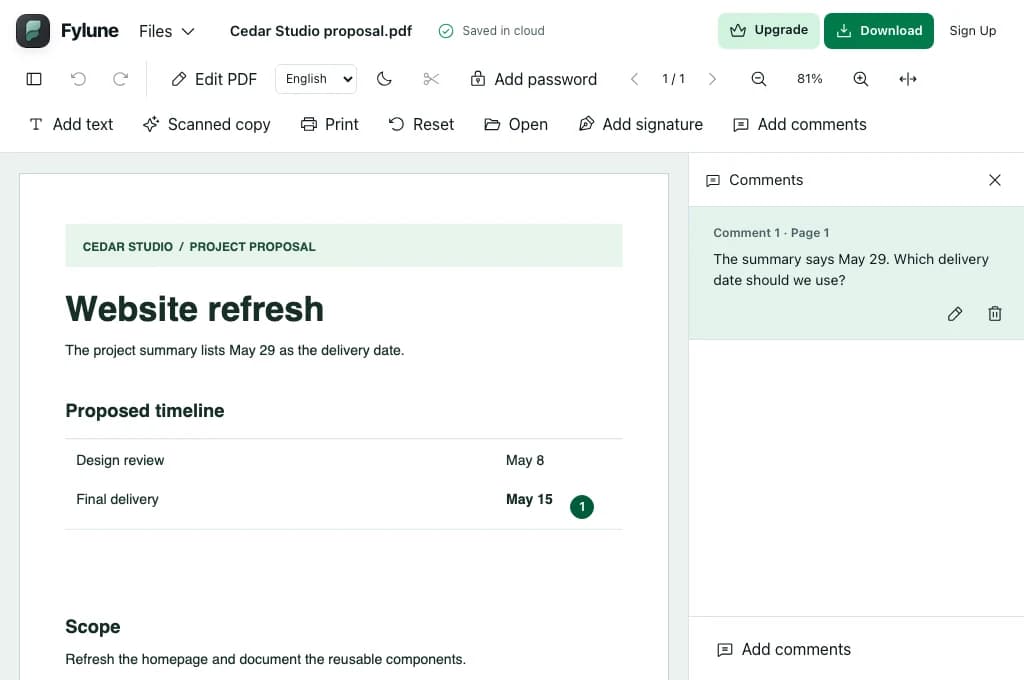
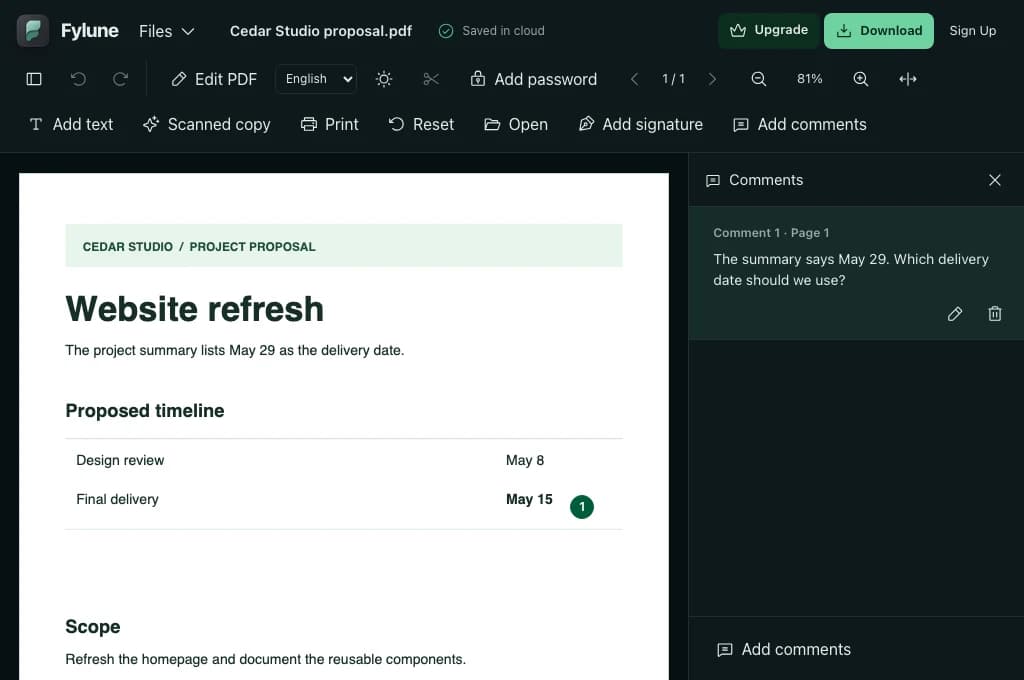
Choose or drop one PDF. The Fylune editor opens with the Comments panel ready.
Click or tap next to the detail you want to review. Write your feedback in the Comments panel and choose Post.
Select a comment in the list to revisit its location, then download the PDF. Open it in a reader that supports PDF comments to review the notes.
Ask which delivery date to use or whether a line item includes shipping. Pin the question beside the relevant row.
Flag a missing source, unit or label. The comment list lets you return to the relevant figure.
Leave an explanation beside a diagram or a question next to a step. You can pin a comment without selecting text.
Upload your PDF here, place a marker beside the detail, and type in the Comments panel. Select Post to attach the note.
Yes. Click the spot where you want to pin your note, including on a scanned page, as long as the PDF allows comments.
The downloaded PDF includes the attached comments. Open it in a reader with PDF comment support and select a note marker to read its text.
Comments are attached to locations on the page. The PDF content stays in place, and the original file on your device remains intact.
Yes. Use the edit or delete button next to the comment in the Comments panel. Select the comment to jump to it on the page.
Signed PDFs and PDFs whose permissions block comments are read-only for this tool. Use an unsigned copy that allows annotations.