
Email a personal statement
Use a passphrase for a copy you intend to send, then share it with the recipient through a separate channel.
Add an opening password to a PDF online. Open your file in the Fylune editor, set a password and download the encrypted copy.
Drop your PDF here
One PDF · up to 100 pages
The dialog asks for the password twice before generating the encrypted copy. The password is processed in your browser and is required to open the downloaded PDF.
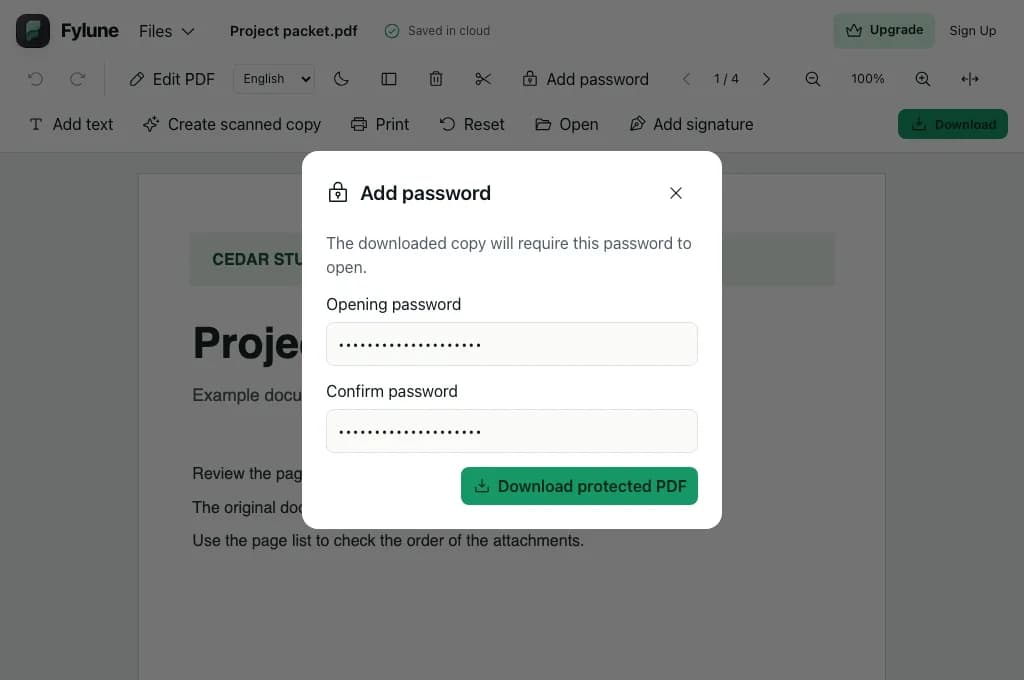
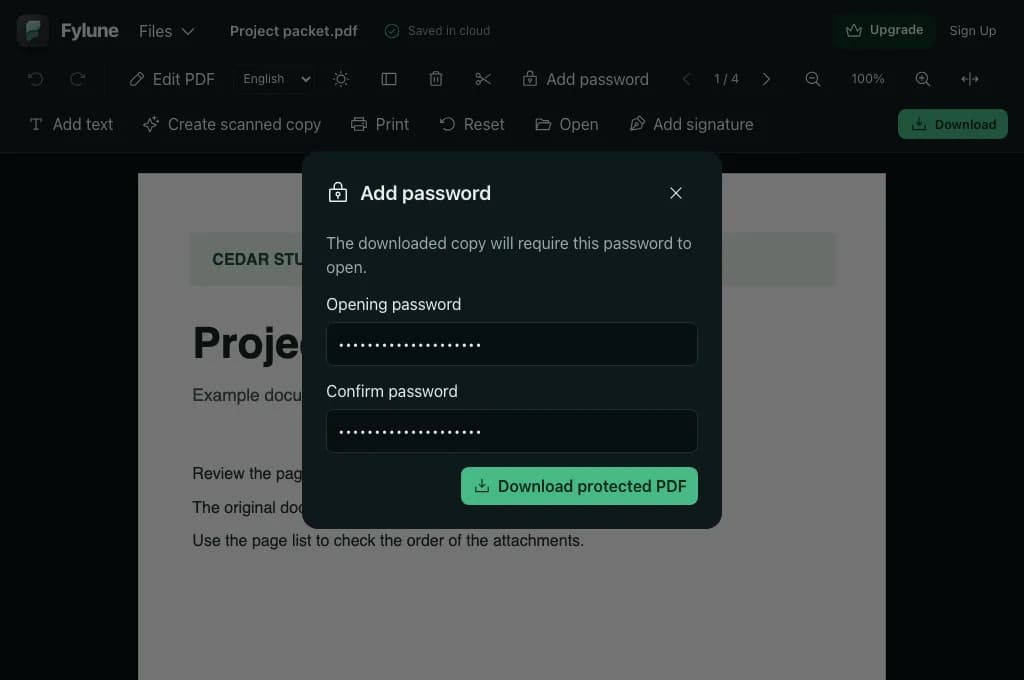
Open an unsigned, unencrypted PDF that allows changes. Fylune opens the password dialog in the editor.
Enter and confirm a passphrase you can share with the intended recipient. Check both fields before downloading.
Choose Download protected PDF and open the downloaded file in a PDF reader to check the password prompt.
Use a passphrase for a copy you intend to send, then share it with the recipient through a separate channel.
Protect the PDF you plan to attach and verify that the person who needs it can open the file.
Save the encrypted download to the folder and keep the original in a location with access you control.
Open the PDF in Fylune, enter the same password in both fields and download the protected copy. The downloaded file prompts for the password when opened.
Your password stays in the browser, where it encrypts the download. Fylune receives the PDF you choose to open in the web editor.
The password applies to the new download. Keep the original file and the working copy somewhere appropriate for their contents.
Fylune cannot recover it. If you have the original PDF, you can create a new encrypted copy with a different password.
Start with an unsigned, unencrypted file that allows changes. If someone else controls the original, ask them for an authorized copy.
Yes. The encrypted download has no watermark.