
Separate invoices in one PDF
Mark a break after each invoice so a multi-page invoice stays together in its own file.
Separate a PDF into multiple files. Open your document in the editor, choose where to split it and download all parts together.
Drop your PDF here
One PDF · up to 100 pages
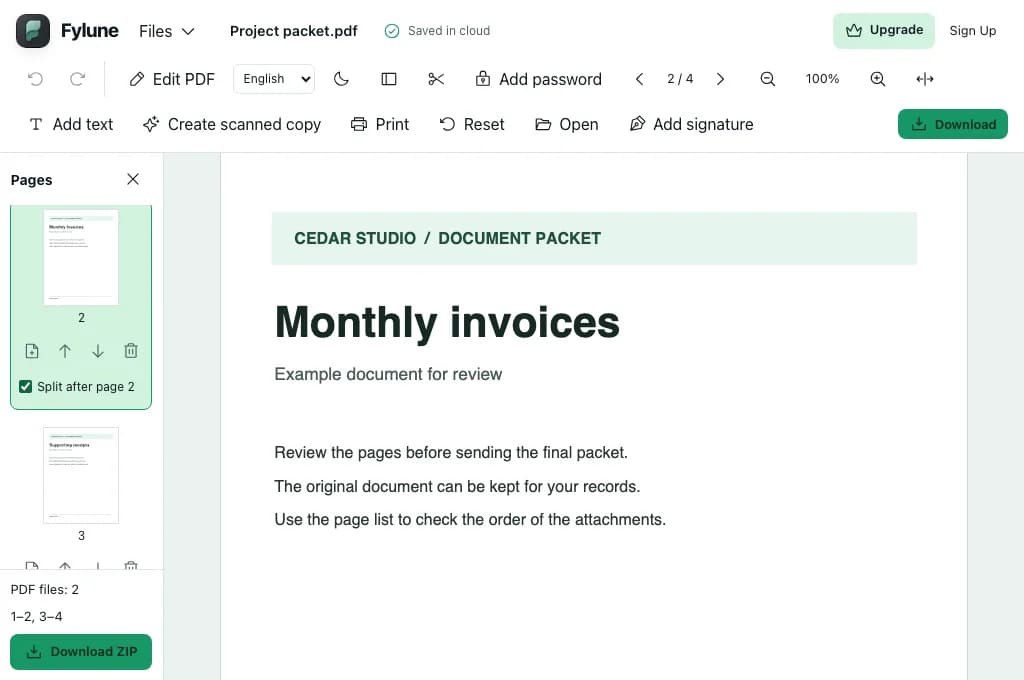
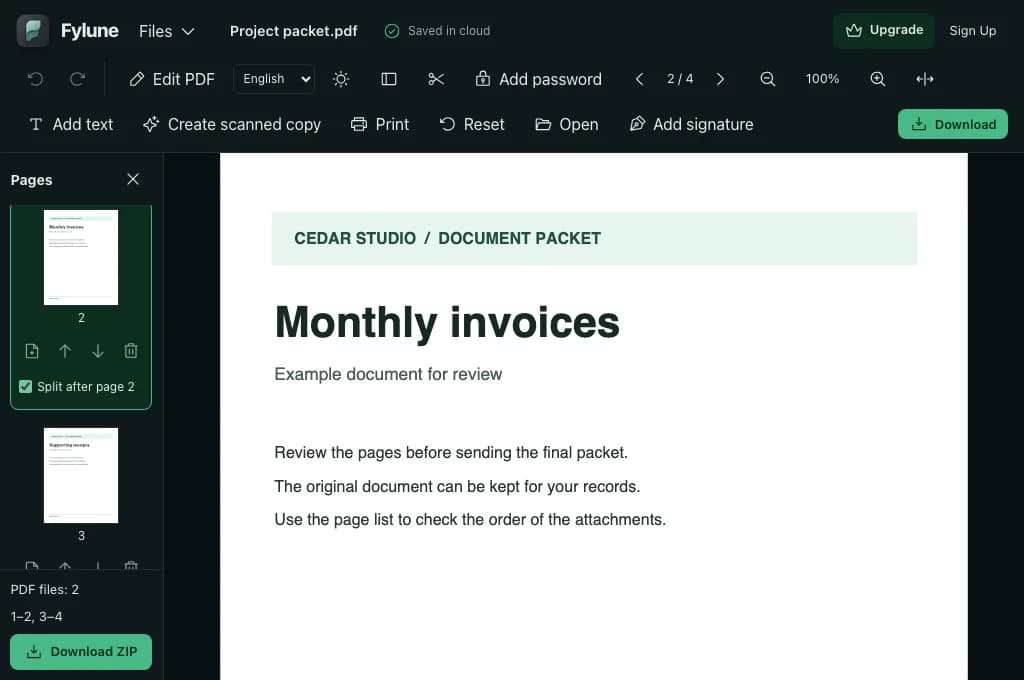
Marking a split after page 2 of this four-page packet creates two ranges: pages 1–2 and pages 3–4. The sidebar shows both ranges before you download.
Choose or drop a PDF with at least two pages. The page sidebar opens in the editor.
Choose Split after on the last page of each part. Click a thumbnail to verify the page before you mark the break.
Review the ranges in the sidebar and choose Download ZIP. Extract the ZIP to open the PDF files individually.
Mark a break after each invoice so a multi-page invoice stays together in its own file.
Use the end of each chapter or appendix as a split point, then give the resulting files descriptive names after extracting the ZIP.
Separate a combined application packet into a cover letter, supporting documents and receipts before sharing the relevant parts.
Mark a split after the last page of each part, except the final part. One split produces two PDFs, and two splits produce three.
Yes. Mark a split after every page except the last. Each page then becomes its own PDF.
The ZIP contains the individual PDFs, named by the page range they came from. Extract the archive to open or share each file.
The pages in each part stay in their original order. Supported filled form values remain visible as fixed content.
Use an unsigned, unencrypted PDF that allows changes. The original PDF remains available when you export the split copies.
Yes. All the PDF files in your ZIP download without a watermark.