
Remove blank pages from a scan
A two-sided scan can pick up blank backs. Check each suspected blank page at full size before removing it.
Delete blank, duplicate or unwanted pages from a PDF online. Open your file in the editor, pick pages by thumbnail and download the new copy.
Drop your PDF here
One PDF · up to 100 pages
This sample packet started with four pages. After you remove the original page 2, the editor shows the three remaining pages. Use the arrows below a thumbnail if you also need to change its position.
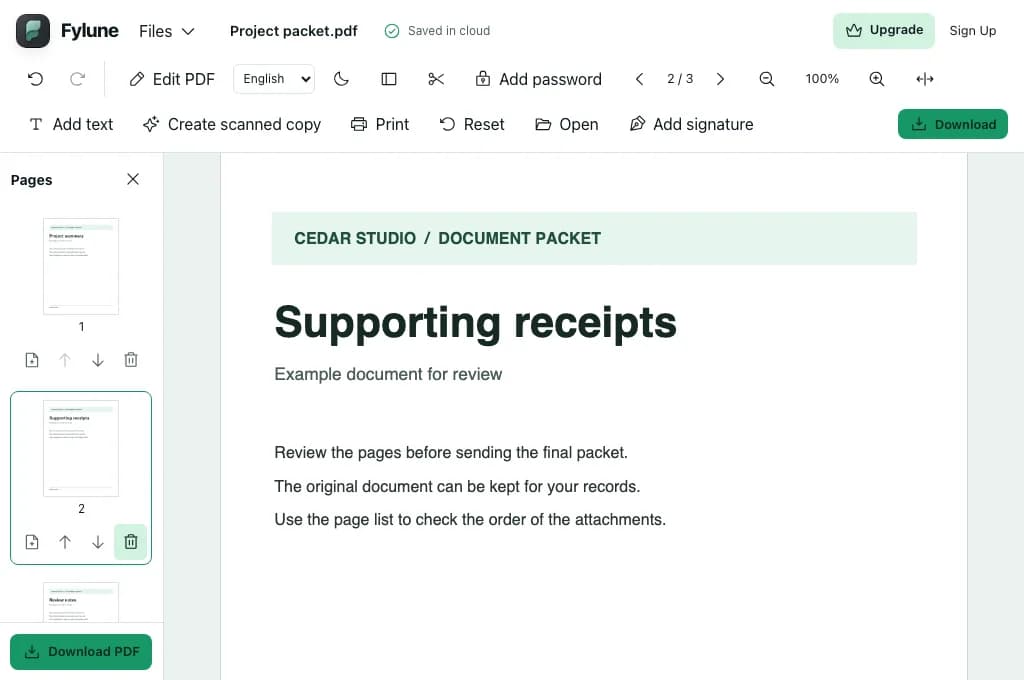
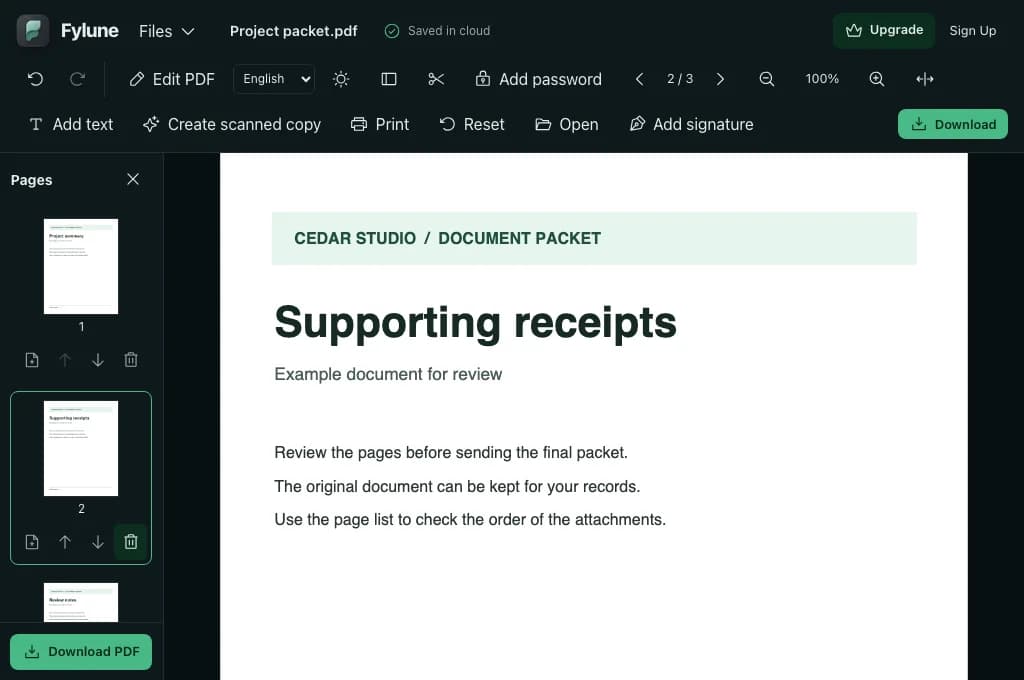
Select or drop one PDF above. It opens in the Fylune editor with the page sidebar ready.
Click a thumbnail to inspect the full page, then use its trash icon to remove it. Use Undo if you remove the wrong page.
Review the updated thumbnails and choose Download PDF. Open the new file before sharing it.
A two-sided scan can pick up blank backs. Check each suspected blank page at full size before removing it.
A packet may include an old quote or a draft cover sheet. Remove just those pages and keep the remaining pages in order.
Match repeated pages against the invoice number and date so you keep the right copy.
Yes. Use the trash icon on any unwanted page, including nonconsecutive pages. At least one page must remain.
The file on your device stays intact. Your open document in Fylune updates as you organize pages, and you can download the result as a separate PDF.
Supported fields on pages you keep remain editable. The fields on removed pages are removed with those pages.
Use an unencrypted, unsigned PDF that allows modifications. If a digitally signed file needs changes, request an unsigned copy first.
It may reduce file size, especially when the removed pages contain large images. The size of the new file also depends on resources shared by the pages you keep.
Yes. Choose Download PDF in the sidebar to get the edited copy without a watermark.