
Image to Text Converter
Pull printed text out of a photo or screenshot. Correct the words in Fylune, then copy them or download a .txt file.
Drop a JPG or PNG here
JPG or PNG · Image sent to TextIn for OCR
Turn a picture of words into editable text
A screenshot stores letters as pixels, so there is nothing to select. Optical character recognition (OCR) reads those shapes and turns them into characters you can edit. Start with a clear JPG, JPEG, or PNG with clear printed text.
- What you get
- Editable text to copy or download as UTF-8 .txt.
- What to check
- Compare names, amounts, and reference numbers with the image.
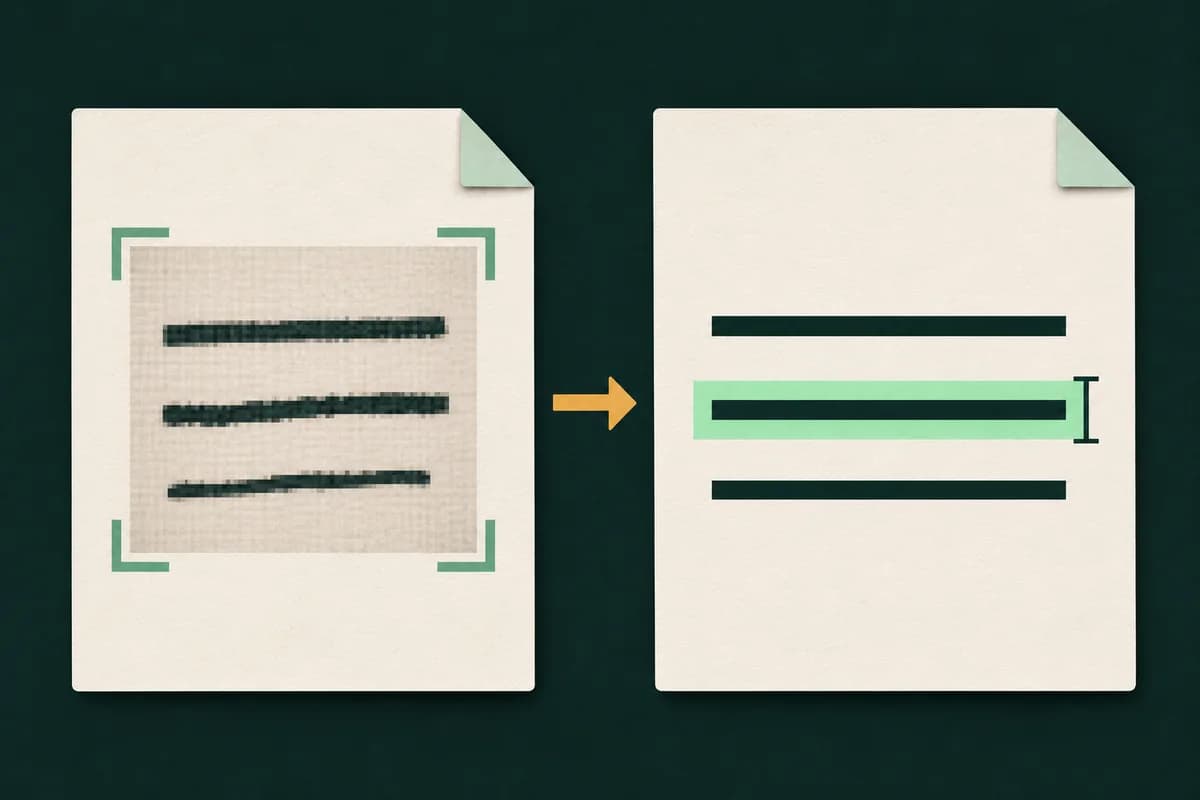
How it works
Choose a file
Select a file or drop it into the upload area.
Recognize the words
Fylune reads the printed text in your photo or screenshot.
Review and download
Check the result in the editor, then download a copy.
Try it with a workshop notice
Download the example PNG and choose it above. The room number should read C04. If a zero comes back as the letter O, correct it in the editor before copying.
Download sample PNG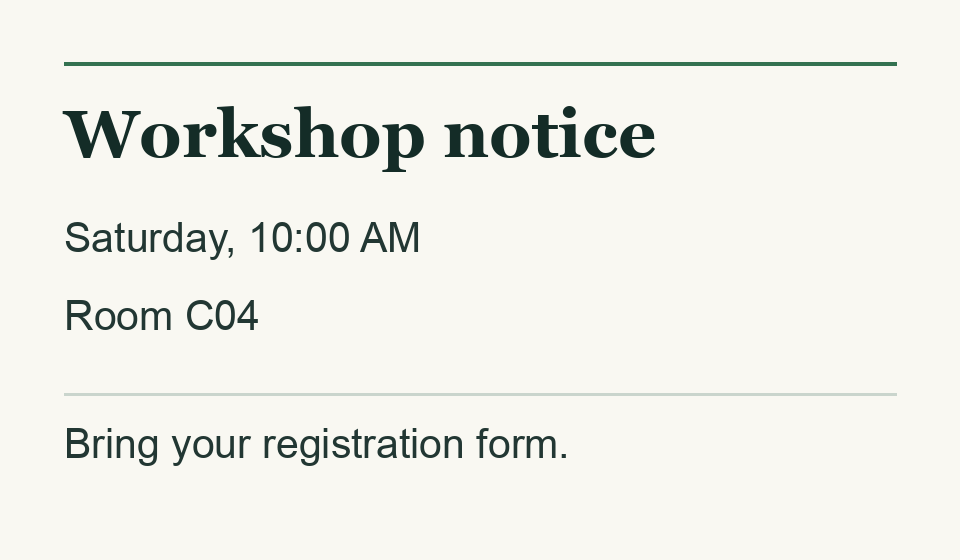
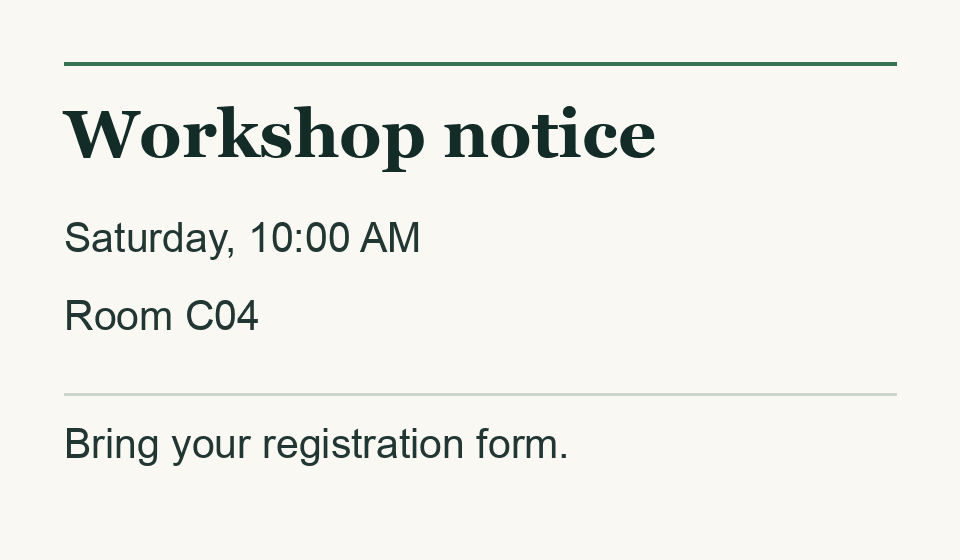
Text output
Workshop notice
Saturday, 10:00 AM
Room C04
Bring your registration form.
When to pull text from an image
- Enter receipt details in an expense report
- Capture the whole receipt in even light. Copy the merchant, date, and amount into your report, then verify the decimal point and currency against the photo.
- Reuse instructions from a screenshot
- Crop to the paragraph you want so menu labels and browser tabs stay out of the result. Paste the relevant text into your own checklist.
- Share the wording of a printed notice
- Photograph the page straight on, with every edge of the text visible. Correct the recognized wording in Fylune before you send it.
Frequently asked questions
Can I convert a PNG or JPG screenshot to editable text?
Yes. Upload a single JPG, JPEG, or PNG with clear printed text. The recognized text opens in Fylune, where you can edit it, copy it, or download it.
How can I improve the recognition result?
Keep the image upright and in focus. Crop to the text you need and avoid shadows crossing the letters. A better source usually helps more than enlarging a blurry screenshot.
Does it read handwriting or other languages?
OCR reads printed text in multiple languages, including mixed Chinese and English. Check the result carefully for handwriting or decorative type.
Can I extract text from several images at once?
This tool takes one image at a time. If your scans are already in a PDF, use PDF to Text Converter to read the pages in order.
Where are the image and the result processed?
TextIn processes the image for recognition. Fylune saves the extracted text to your workspace when it opens in the web editor.