
PDF to Text Converter
Convert a PDF to plain text you can reuse. Fylune extracts selectable text, reads scanned pages with OCR, and opens the result for editing and .txt download.
Drop a PDF here
PDF · Scanned pages sent to TextIn for OCR
Take the words out of a PDF
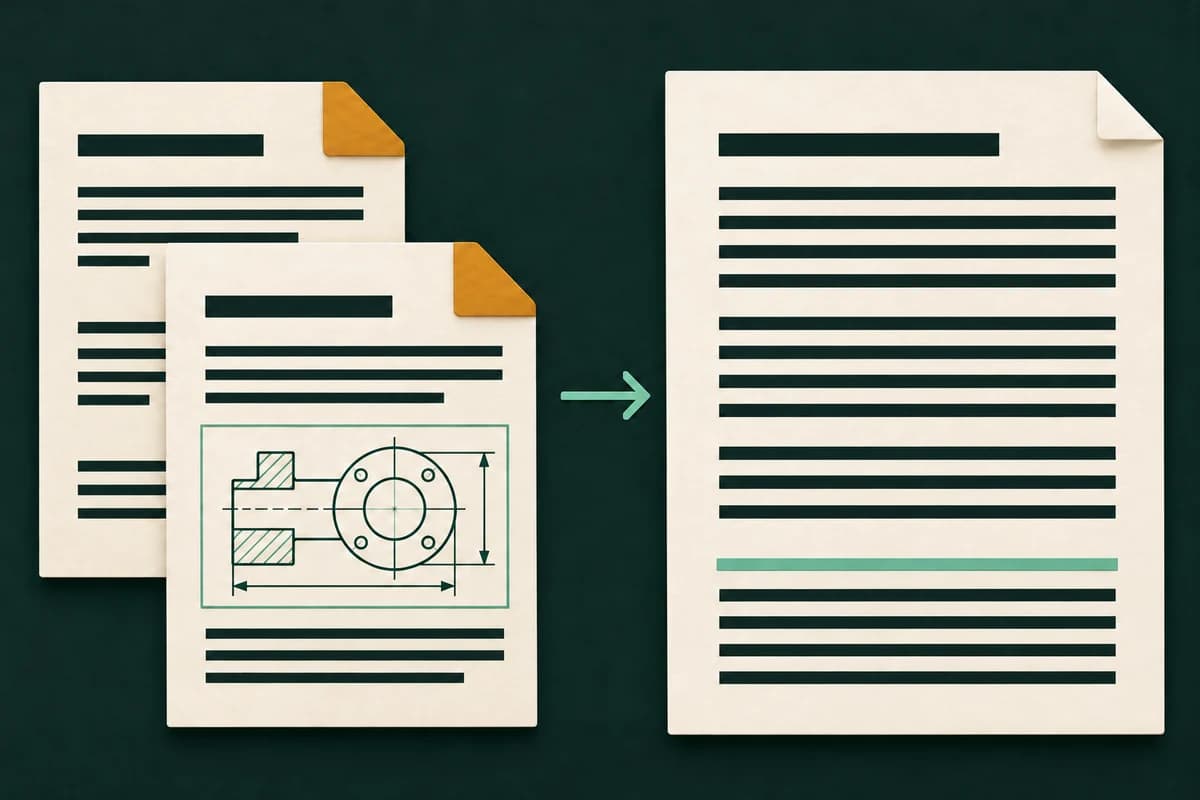
Fylune reads text that is already embedded in a regular PDF. On a scanned page without selectable text, it uses multilingual OCR. The result is an editable text document, so you can take the wording into another app without bringing over the page artwork.
- What you get
- Editable UTF-8 plain text. Images, columns, and form positioning are omitted.
- What to check
- Check the reading order in columns and verify line breaks before reusing the text.
How it works
Choose a file
Select a file or drop it into the upload area.
Extract the text
Fylune copies built-in text and runs OCR on pages that have no selectable words.
Review and download
Check the result in the editor, then download a copy.
Turn a visitor handout into text you can paste
Download the sample PDF and convert it. The opening time and entrance instructions appear in the text, while the floor plan stays in the PDF. Copy the directions into an email or save the whole result as .txt.
Download sample PDF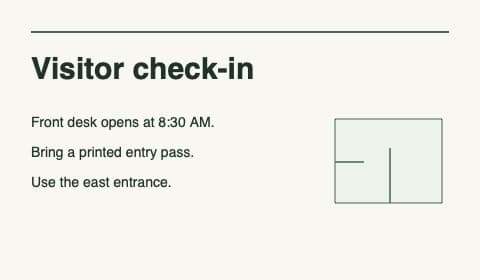
Text output
Visitor check-in
Front desk opens at 8:30 AM.
Bring a printed entry pass.
Use the east entrance.
Reuse PDF wording in another document
- Quote a section of a manual
- Extract the passage, verify it against the page, and copy just the words you want to cite. Keep the source PDF for page references.
- Transcribe a scanned letter
- Convert a clear scan to text for review. Compare names, dates, and paragraph breaks with the original before sharing it.
- Save a report as a text file
- Download the extracted wording as .txt for notes, editing, or searching in a text editor. Keep the PDF when tables or other layout details matter.
Frequently asked questions
Can I convert both ordinary and scanned PDFs to text?
Yes. Fylune extracts existing text from regular PDF pages and runs OCR on pages without selectable words. OCR supports multiple languages, including mixed Chinese and English.
Will the TXT file keep columns or tables?
Plain text keeps words and line breaks. It cannot preserve columns, images, or form positions. Review the reading order if the source has multiple columns.
What is the difference between PDF to text and making a PDF searchable?
PDF to text gives you a separate .txt file for editing or copying. Make a PDF Searchable keeps the PDF pages and adds an invisible layer your reader can search.
How do I copy or download the extracted text?
Use Copy text in the editor to put the wording on your clipboard, or use Download for a UTF-8 .txt file. You can correct the text first.
Can I convert a long PDF?
Choose one PDF with up to 100 pages, including up to 20 pages that need OCR. Split a longer scan into smaller PDFs before converting it.