
Make a PDF Searchable
Find words and reference numbers in a scanned PDF. Add a searchable text layer, then preview and download the PDF in Fylune.
Drop a PDF here
PDF · Scanned pages sent to TextIn for OCR
Keep the original pages and make the words findable
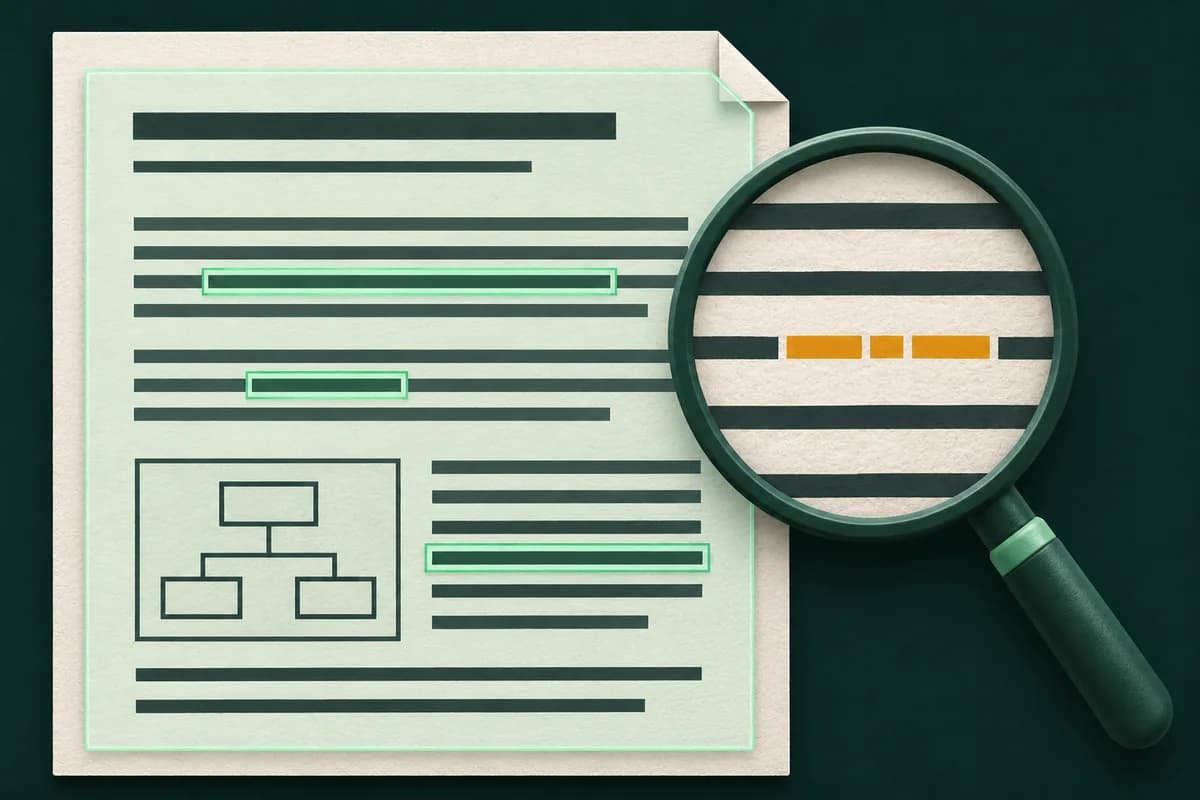
A scanned PDF often contains a picture of each page. OCR recognizes printed text on pages that lack selectable text and adds an invisible layer to those pages. Your PDF reader can look up those words while the scan, diagrams, and page order stay visible.
- What you get
- A PDF copy with the original visible pages and a searchable text layer.
- What to check
- Reopen the downloaded file and search for a word you can see on a scanned page.
How it works
Choose a file
Select a file or drop it into the upload area.
Add the text layer
Fylune recognizes words on scanned pages and places them over the original image.
Review and download
Check the result in the editor, then download a copy.
Find a pump ID in a two-page inspection log
Download the sample, convert it, and open the resulting PDF in a reader. Search for PUMP-204 to jump to page 2. The printed ID and the rest of the inspection page stay in place.
Download sample PDF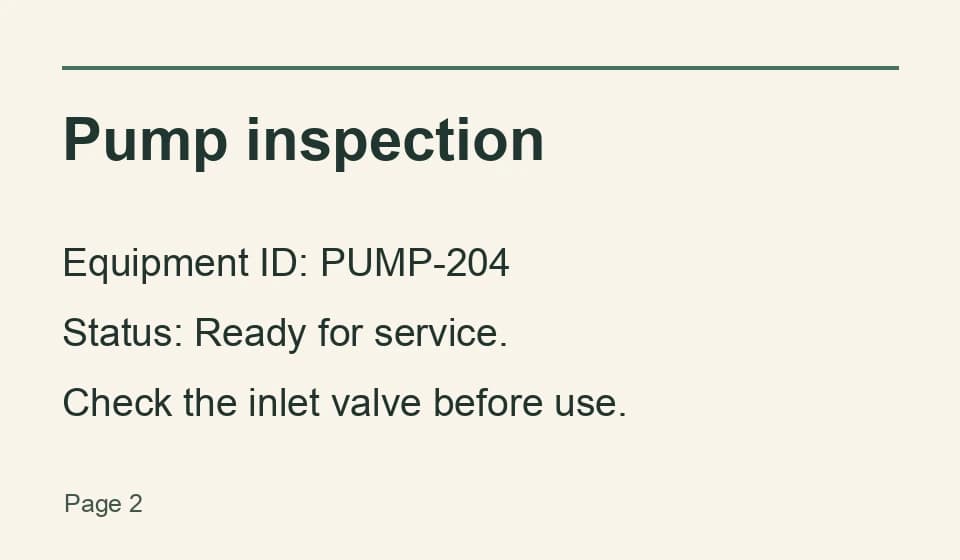
Search result
Found on page 2
Equipment ID: PUMP-204
Make scanned paperwork easier to navigate
- Find an entry in an archived inspection log
- Search for an equipment ID and jump to its page. Keep the scanned sheet so you can verify the status in context.
- Look up a part in a printed manual
- Search the converted PDF for a model number. The diagram remains on the original page so you can compare it with the part in front of you.
- Find a receipt in a batch of scans
- Search for a merchant name or reference number, then read the original date and amount on the matching page.
Frequently asked questions
How do I tell if a PDF already has searchable text?
Try to select a word on a representative page or use the PDF reader’s Find command. If the page behaves like one picture, that page may need OCR.
Does OCR change what the pages look like?
The OCR layer is invisible. The scan, its visible marks, and its diagrams stay on the page. Download the result to keep the additional text layer.
What happens if only some pages are scans?
Fylune keeps existing selectable text and recognizes pages that lack it. An image on a page that already has selectable text may still be unsearchable.
Can I convert a password-protected or digitally signed PDF?
Use an unlocked copy you have permission to modify. Fylune rejects signed PDFs that would require changes to add a layer.
How many pages can I make searchable?
Use one PDF with up to 100 pages, including up to 20 pages that need OCR. A blank or blurred page can still come back without searchable text.