

Markdown Underline and Highlight: Workarounds for Missing Syntax
Markdown has no native underline syntax and no native highlight syntax. If you type _word_, most renderers show italics, not an underline. If you type ==word== and your renderer does not enable the highlight extension, the equals signs stay visible on the page. That is not a mistake on your part: the core Markdown specification does not define either effect, and the top result for "markdown underline" opens with exactly that sentence, "Markdown doesn't have underline syntax".
The fixes are small. Underline text with raw HTML such as <u> or <ins>. Highlight text with <mark> or the ==mark== extension. Then pick the option that survives the tools you share files with. This guide explains why the syntax is missing, compares the workarounds on portability, and points out when an editor-level formatting choice is the better answer.
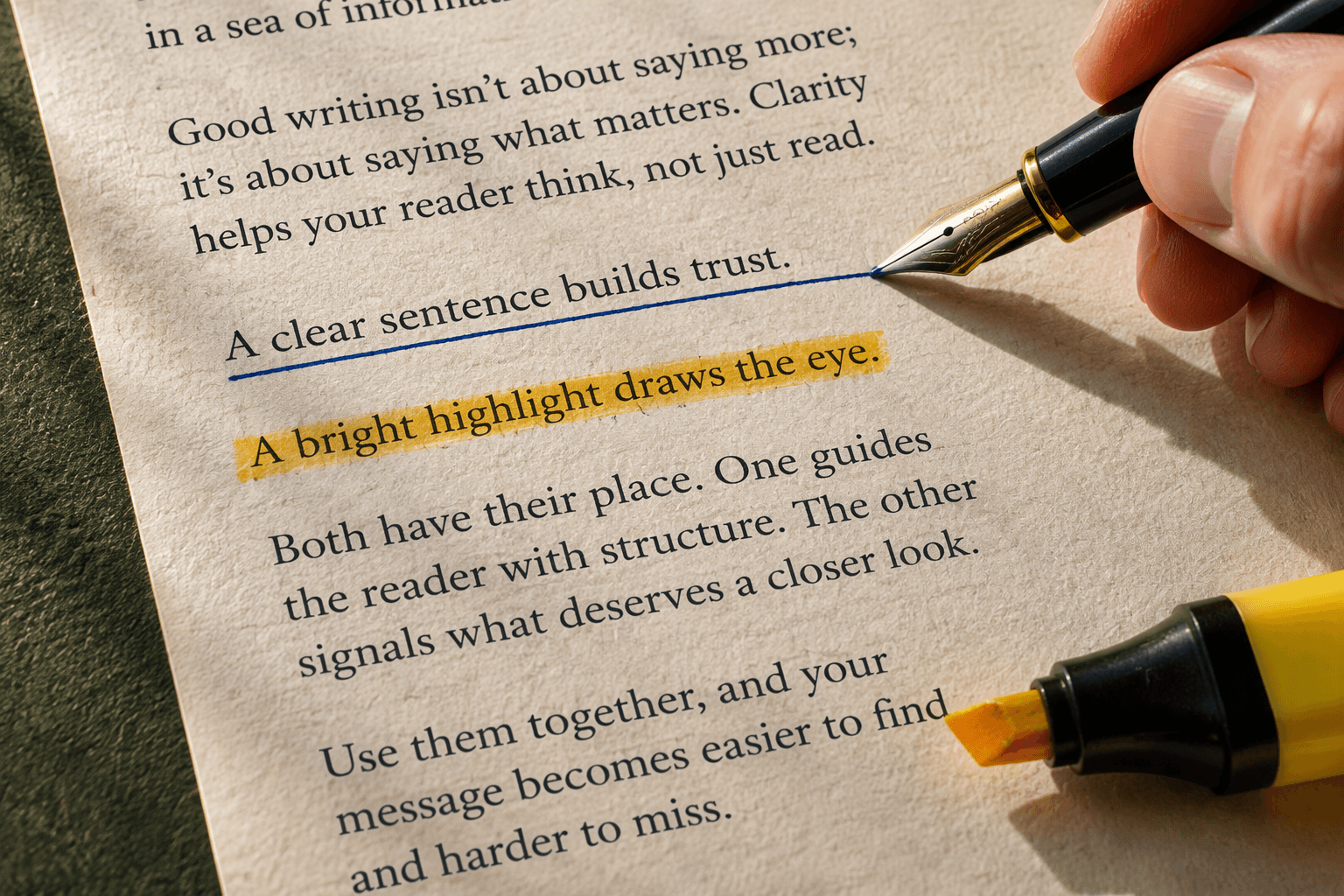
Why core Markdown has no underline or highlight
Two design decisions explain both gaps.
First, underline collides with the underscore convention. In CommonMark, a single underscore pair means emphasis: _word_ renders as italics, and __word__ renders as bold. A dedicated underline marker built on the same character would have meant one symbol doing two unrelated jobs, so the specification never adopted one. If you want the full set of effects that do have native syntax, see our guide to Markdown bold, italic, and strikethrough, which covers the emphasis family on its own page. Underline and highlight sit outside that family, which is why they get their own page here.
Second, highlight is a decoration, and core Markdown links syntax to meaning. Blockquotes mean a quotation, backticks mean code, emphasis means stressed text. A yellow band is a visual choice rather than a meaning, so the core spec leaves it to HTML or to extensions. GitHub Flavored Markdown added strikethrough with ~~text~~ and task lists, but it did not add an underline marker or a ==mark== highlight marker.
That is also why the workarounds below are HTML elements and extensions rather than new punctuation.
Underline workarounds
Option 1: <u>word</u>
<u>underlined text</u>
<u> is the HTML underline element. It renders as underlined text in any Markdown renderer that allows raw inline HTML and does not strip the tag. Its weakness is the same as its strength: it is pure decoration with no attached meaning, so some style guides discourage it in prose. It is also the closest match to what most people searching for "underline text in markdown" want.
Option 2: <ins>word</ins>
<ins>inserted text</ins>
<ins> marks inserted text. Browsers render it with an underline by default, so it produces the visual result people expect while carrying real semantics. The catch, covered below, is that "inserted" has a specific meaning that decoration does not.
Option 3: <span style="text-decoration: underline">word</span>
<span style="text-decoration: underline">styled text</span>
This routes the effect through CSS. It works only where the renderer keeps inline HTML and preserves style attributes. Many sanitizers strip style attributes as a policy, which removes the underline and leaves plain text. Treat this as the least portable option and reach for it only when you control the renderer.
When raw HTML is disabled
Some renderers sanitize or disable inline HTML entirely, including chat applications, some CMS pipelines, and strictly configured static-site processors. In those places none of the tags above render. Your choices shrink to two: an editor that offers underline formatting without touching the source, or a renderer that enables the highlight extension for the highlight half of the problem. If you are embedding HTML inside Markdown for other reasons, our Markdown code blocks guide covers the rules for mixing code and HTML without breaking the parser.
Highlight workarounds
Option 1: the ==mark== extension
==highlighted text==
==mark== is the common extension syntax for highlighting. Editors that enable the mark extension, such as Obsidian and Typora, render it as a highlighted band. Nothing is added to the HTML family, and the source stays short and readable. The tradeoff is portability: a renderer without the extension prints the literal == characters.
Option 2: <mark>word</mark>
<mark>highlighted text</mark>
<mark> is the HTML element for a highlighted run of text, and browsers give it a yellow background by default. It renders wherever inline HTML is allowed, which makes it the more portable highlight for documents that already use HTML workarounds. Between the two, use ==mark== inside a single editor that supports it, and <mark> when the file travels.
Portability check
All five workarounds are plain text, so all of them survive Git diffs, branches, and merges without trouble. Portability problems appear at rendering and export time, not in version control. The table records where each method actually renders.
| Method | Renders when | Watch out for |
|---|---|---|
<u>word</u> | Renderer allows raw inline HTML | Purely visual; meaningless to assistive reading |
<ins>word</ins> | Renderer allows raw inline HTML | Means inserted text, not decoration |
<span style="text-decoration: underline">word</span> | Renderer keeps inline HTML and style attributes | Sanitizers often strip style, killing the underline |
<mark>word</mark> | Renderer allows raw inline HTML | Background color depends on renderer CSS |
==word== | Renderer enables the mark extension | Shows literal == everywhere else |
Export behavior follows the same split: methods that are HTML survive into HTML-based exports such as web pages and PDF pipelines, while strict plain-text or syntax-only exports show the raw tags. A rule of thumb: if the receiving tool is another Markdown renderer, prefer <u>, <ins>, and <mark>; if it is one editor you fully control, the extension syntax is fine.
Semantic boundary: <ins> means inserted text
<ins> pairs with <del> in HTML to mark revisions: text that was added and text that was removed. Discussion threads about Markdown extension proposals, including the Discourse thread on strikethrough and underline support, keep pointing at this pair as the reason a bare "underline" element does not fit the language: revision marking and decoration are different jobs. Use <ins> when the text genuinely represents an insertion, for example in tracked-change notes or diff-style documentation. For ordinary visual emphasis, <u> or <span> says what you mean without implying that an edit happened.
What editors do instead
Because the syntax is missing, many editors skip the source-level workaround and expose formatting as an action: select text, click underline or highlight, done. A Nextcloud Android feature request that asks for underline alongside bold, italic, and checkbox buttons shows how common this expectation is. The advantage of editor-level formatting is that the source file can stay clean of tag soup; the disadvantage is that the effect may not exist once the file leaves that editor. If long-term portability matters to you, decide deliberately between writing the HTML into the source and letting one editor own the look.
Do it in Fylune
Fylune is a local-first document workspace for Markdown and MDX files, built so people and AI agents work from the same ordinary files. The selected project folder stays the source of truth, assets are stored with portable relative references, and the core editor works without an account. That philosophy matters for this exact problem: any workaround you do write into the source, whether <u> or ==mark==, stays readable plain text that Git, other editors, and agents can all see, and Fylune never locks the effect inside a proprietary document database.
If you would rather not hand-write workaround tags at all, Fylune's rich Markdown rendering covers the effects that do have native syntax, and the files remain ordinary Markdown either way. Download Fylune to apply formatting without breaking your portable files.
FAQ
Does Markdown support underline?
No. Core Markdown, including CommonMark and GitHub Flavored Markdown, has no underline syntax, and _word_ renders as italics. Underline text with <u> or <ins> in renderers that allow inline HTML, or use editor-level underline formatting.
How do I highlight text in Markdown?
Use ==highlighted text== in renderers that enable the mark extension, or <mark>highlighted text</mark> in renderers that allow raw inline HTML. The HTML version travels better across tools.
Why is ==mark== not rendering?
Your renderer does not enable the mark extension, so it treats the equals signs as literal characters. Switch to <mark> for portability, or open the file in an editor that supports the extension, such as Obsidian or Typora.
Sources
- Stack Overflow, "How to render underline text in Markdown": https://stackoverflow.com/questions/78770998/how-to-render-underline-text-in-markdown-using-stream-chat-sdk
- Reddit r/ObsidianMD, underline and double-underline discussion: https://www.reddit.com/r/ObsidianMD/comments/1icce8e/underline_again_and_double_underline/
- Discourse Meta, proposal for strikethrough and underline support: https://meta.discourse.org/t/please-add-strikethrough-and-underline-support-in-markdown/22843/6
- Nextcloud Android, feature request for formatting buttons: https://github.com/nextcloud/android/issues/17502
- Keyword demand metrics: DataForSEO keyword_overview, US locale, English, collected 2026-10-01 (task IDs 10010805-2633-0607-0000-79118b930a61 and 10010807-2633-0607-0000-c766e6d0a5ea).
Serp observation: query "markdown underline", United States locale, English language, collected 2026-10-01 via DataForSEO organic SERP; troubleshooting-intent results dominated by Stack Overflow, Reddit, Discourse Meta, and GitHub threads.